Sorting
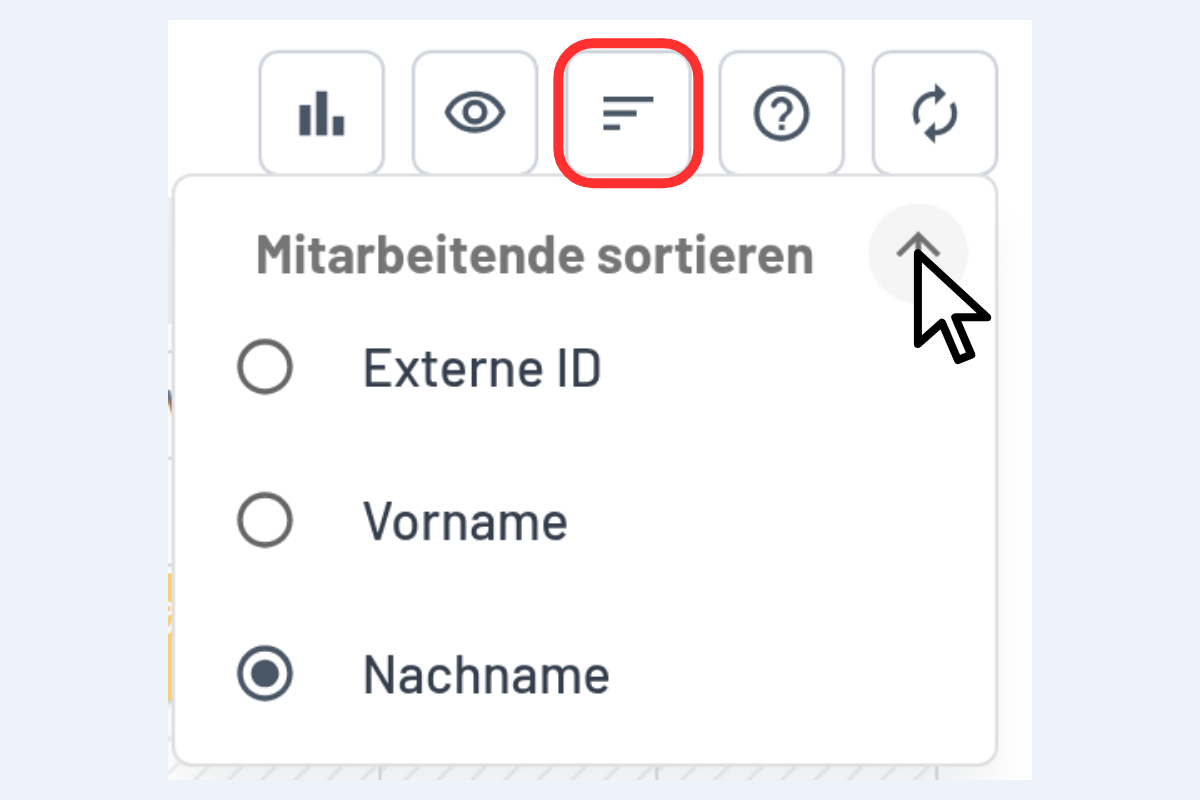
The three-dash icon at the top right opens the sorting options.
The fields are listed in the order they appear in the window, from top to bottom and from left to right.
- Order: ascending or descending via the arrow next to "Sort Employees".
- Sort field: e.g. External ID, first name or last name.
tip
The sort order is saved per user and is preserved after reloading.