Utilization per employee
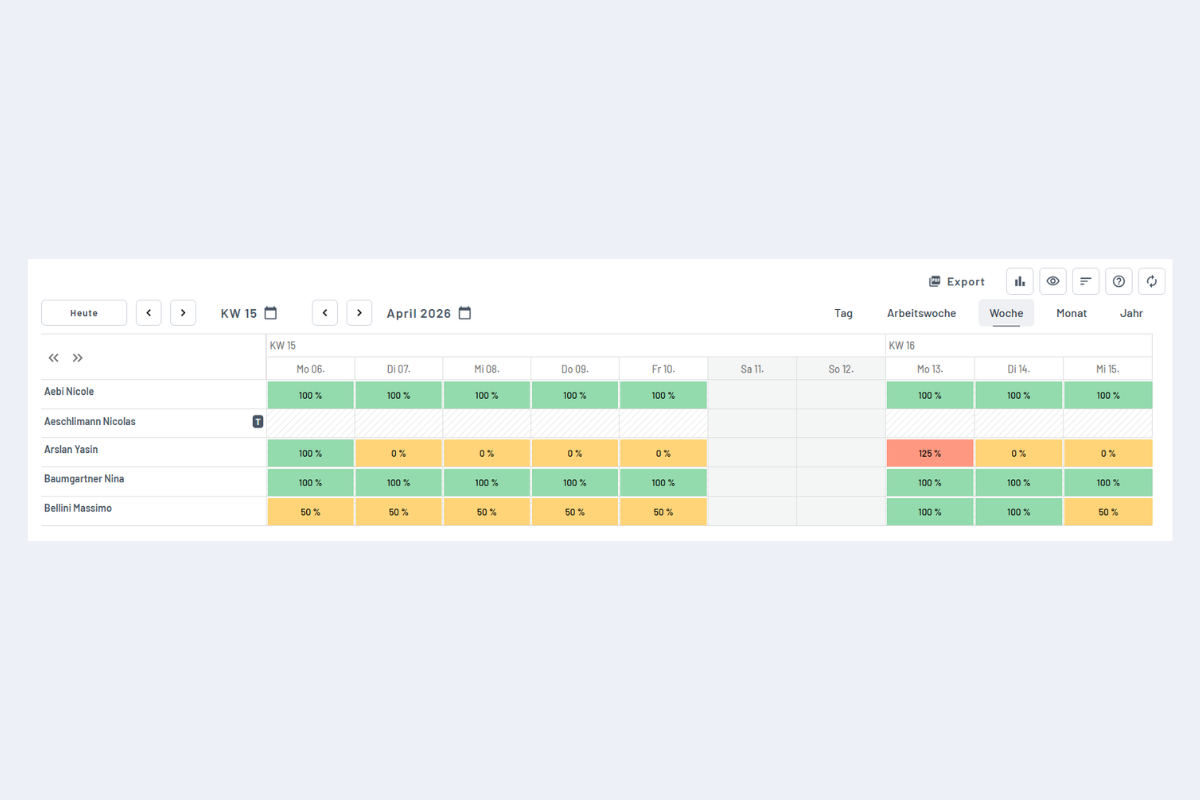
The view shows daily utilization per employee as a percentage, with colours and legend. Under- and overloads are spotted quickly, ideal for a team check or comparing individual days.
In this view you cannot create or edit bookings; it is purely for analysis.
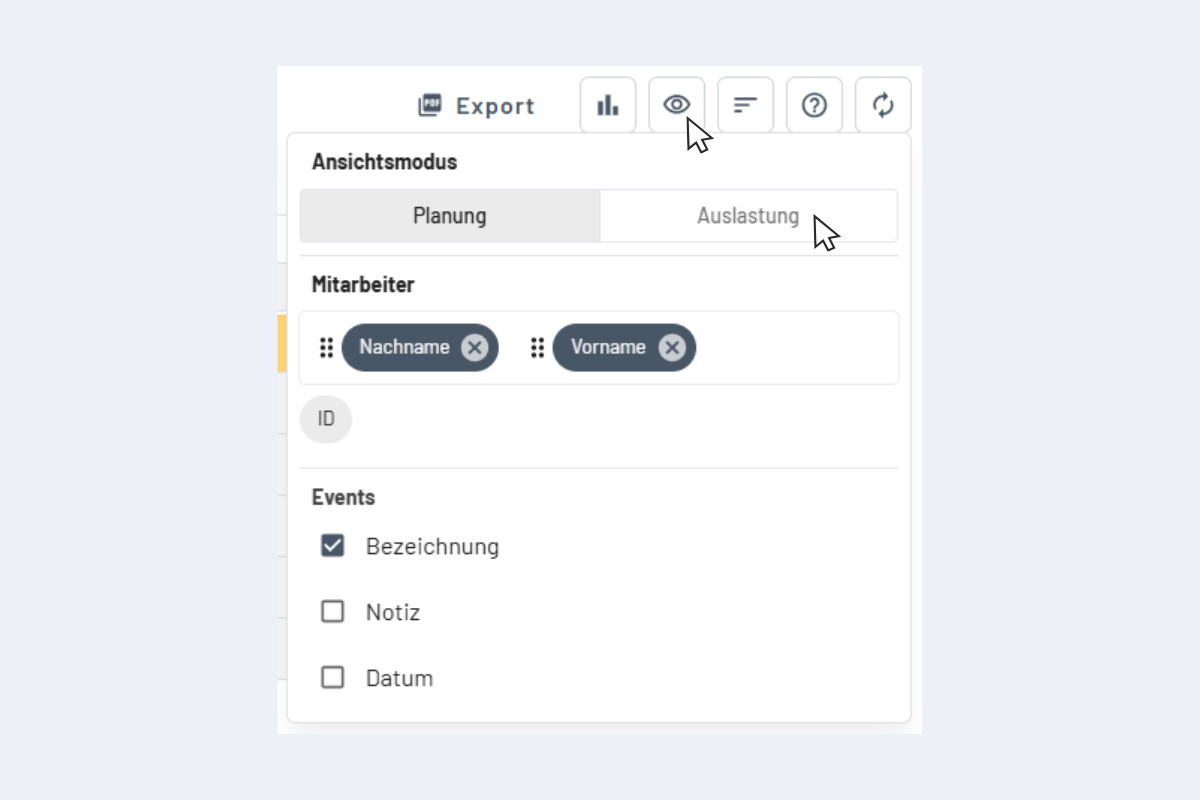
Activate the view
In the top right, switch the view to Utilization per employee. Available in day, week, month and year view.
Display
Each cell shows an employee's utilization per day (or per period, depending on the calendar view). The colours signal at a glance where it fits, where there is spare capacity, and where there is overload.
Overload (red)
Values above 100% are shown in red. They occur when a booking exceeds the stored target time.
Example: target 8 h / day, booking of 10 h → 125% overload.
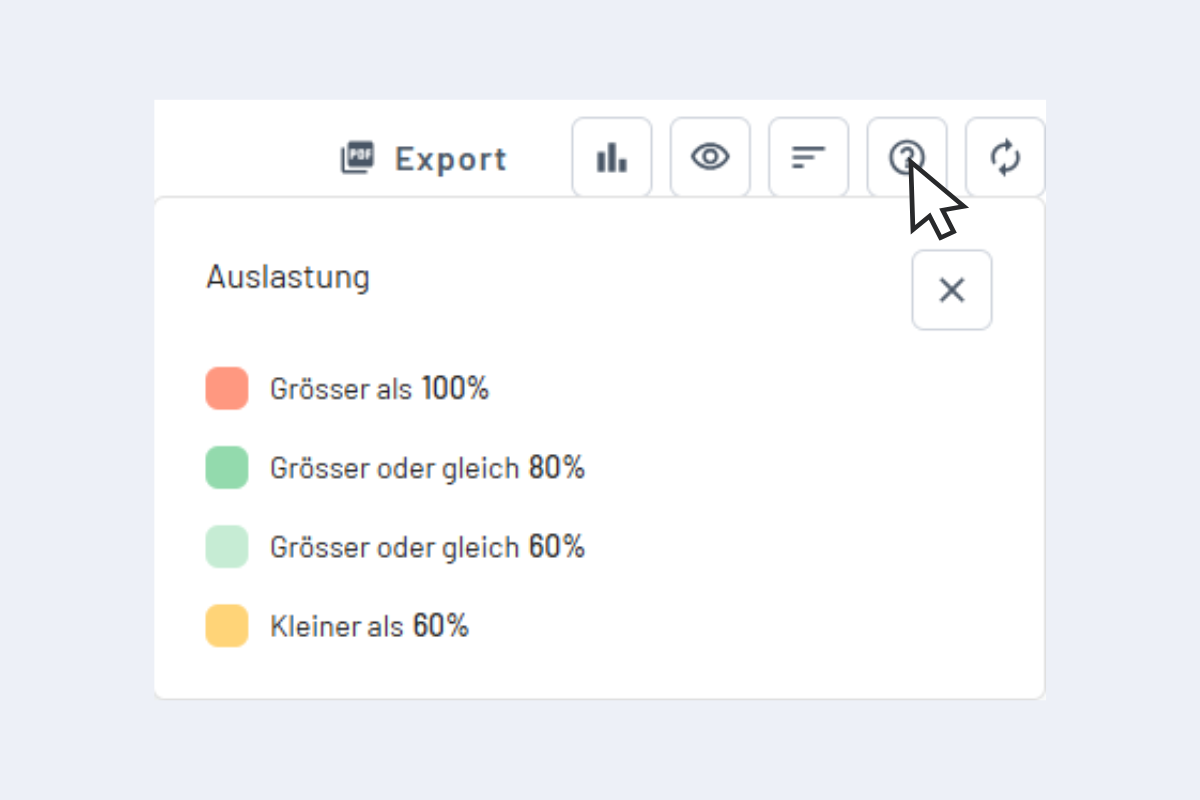
Legend
Clicking the question-mark icon shows the legend explaining the colour codes.