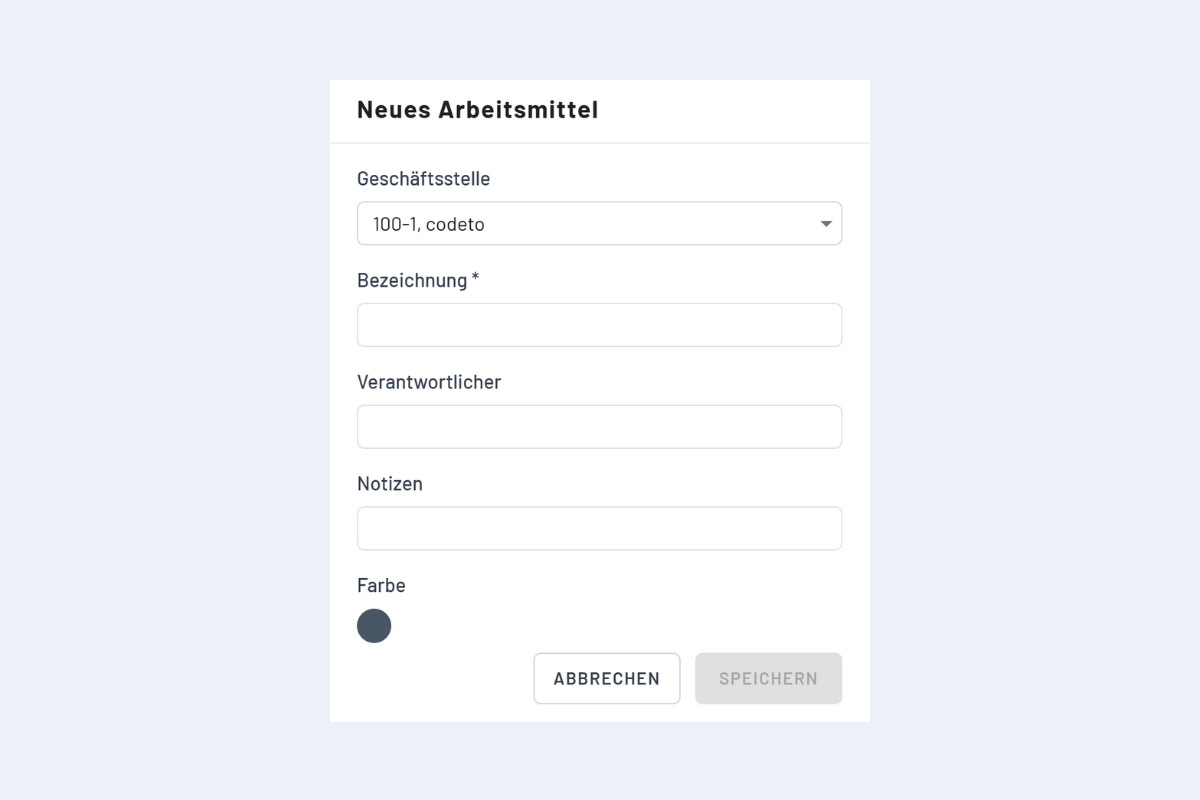
Add new work equipment
Work equipment is its own entity
Work equipment can be assigned to an employee, but it only appears in the Work equipment view, not in the Employees view. To make equipment appear in the Employees view as well, record it as an "employee" instead and book it onto projects or service orders.
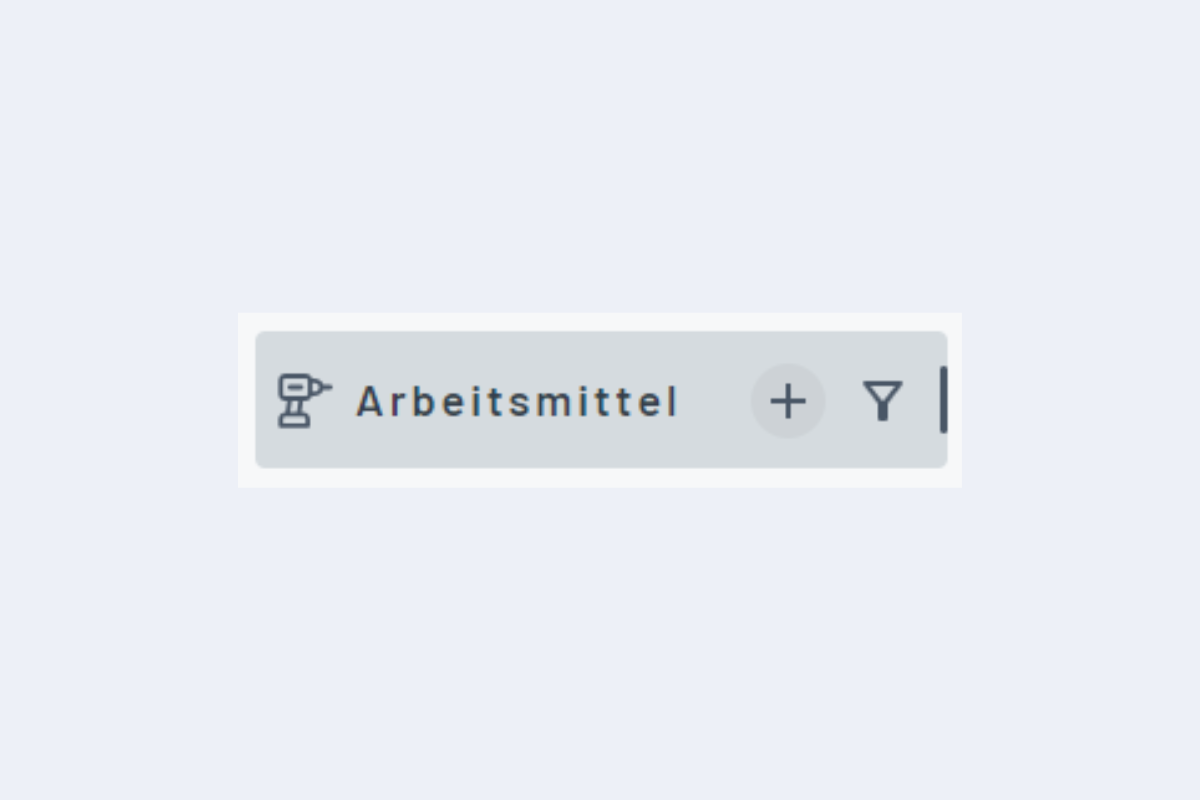
The plus sign opens the dialog for adding new work equipment.
Fields
- Branch office: set automatically.
- Name: mandatory.
- Responsible person: the stored person is visible when an existing booking is opened. Work equipment can be filtered by the responsible person (e.g. by location or department). Only one person per item.
- Notes: additional information.