Manage filters
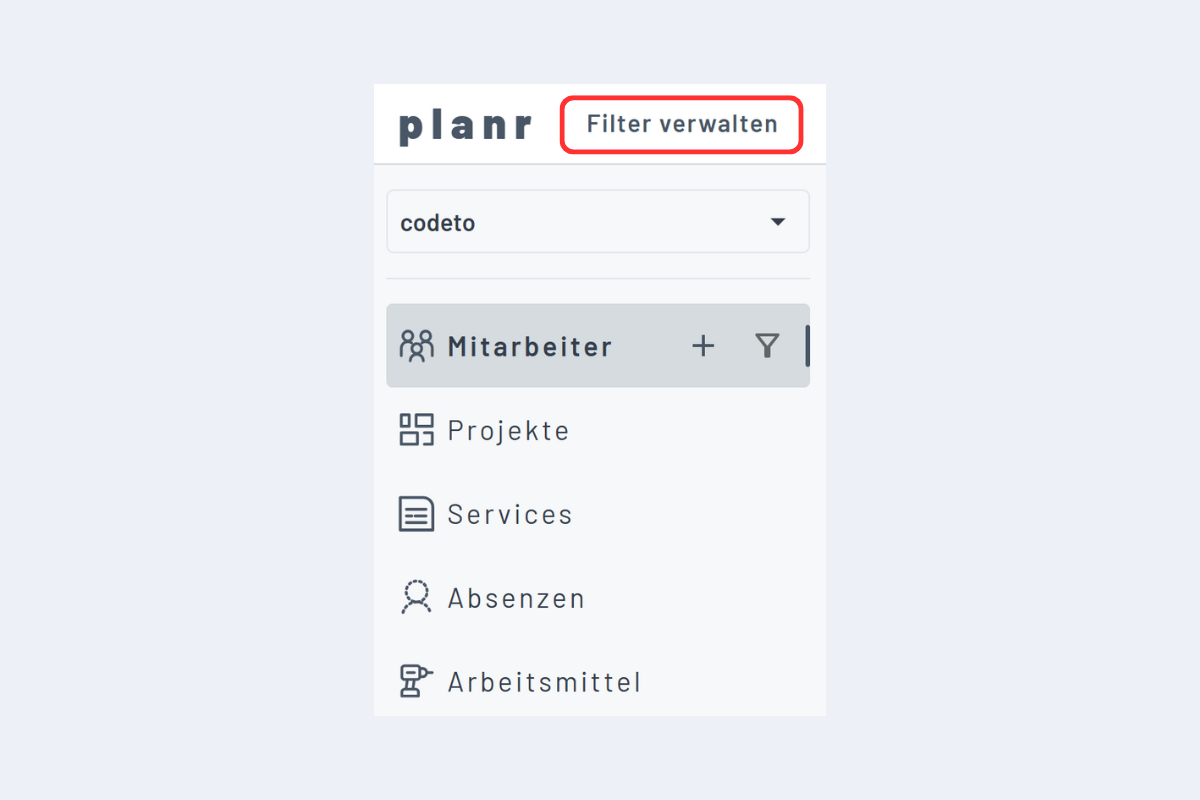
The filter function creates specific views for employees, projects, service orders, absences and work equipment. Click Manage filters to open the menu.
Categories
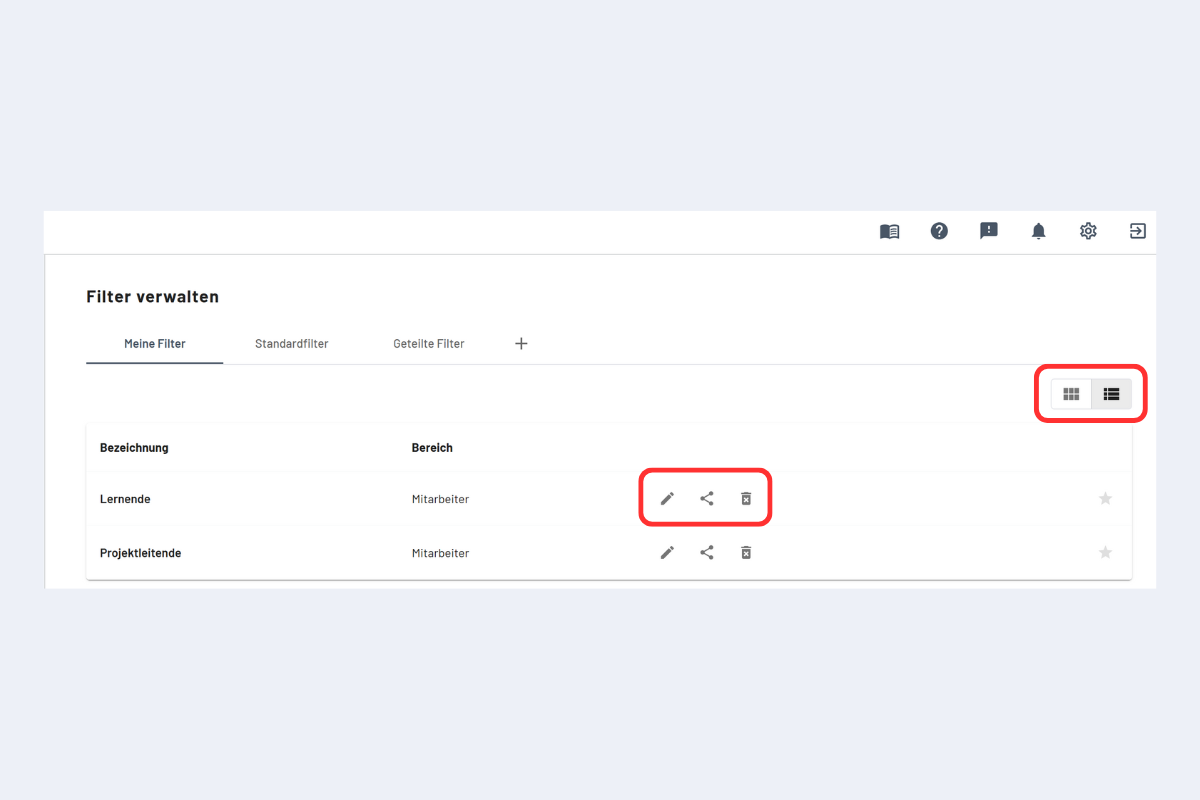
- My filters: filters you have created yourself, available only in your own view.
- Standard filters: predefined filters from codeto plan.
- Shared filters: filters shared by other users. To adjust one, click the copy icon; the filter then appears under My filters.
Your own filters can be edited, shared or deleted.
Display and sorting
- Switch between list and tiles (top right).
- For employee filters, alphabetical sorting A–Z, Z–A or original order is also available.
- Manual order and display style are preserved after a refresh.
Automatic clean-up of outdated employee filters
Saved employee filters are cleaned up automatically when employees are no longer relevant after their contract ends. For older filters, briefly check that the selection is still appropriate, especially for filters on small teams.