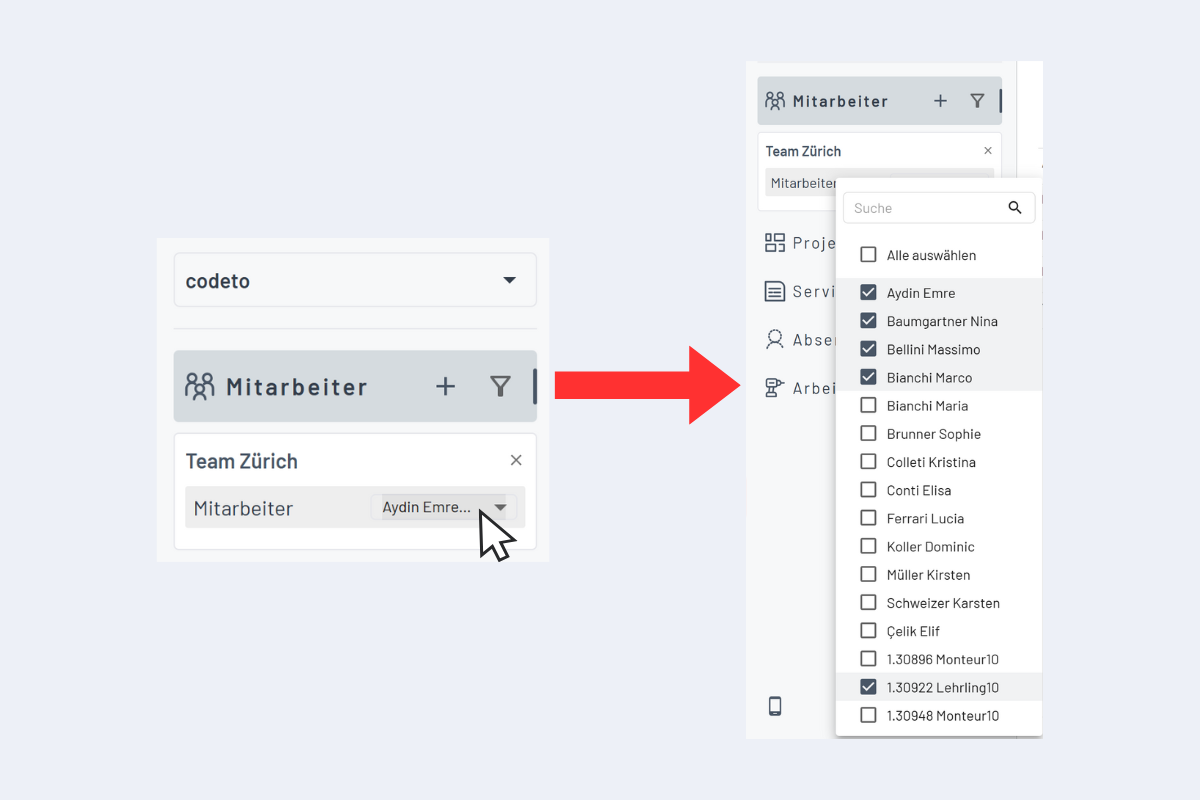
Editing a filter
Two ways to adjust a filter:
- Permanently via the filter management; changes are saved.
- Temporarily directly in the sidebar; changes only apply to the current session.
Edit permanently
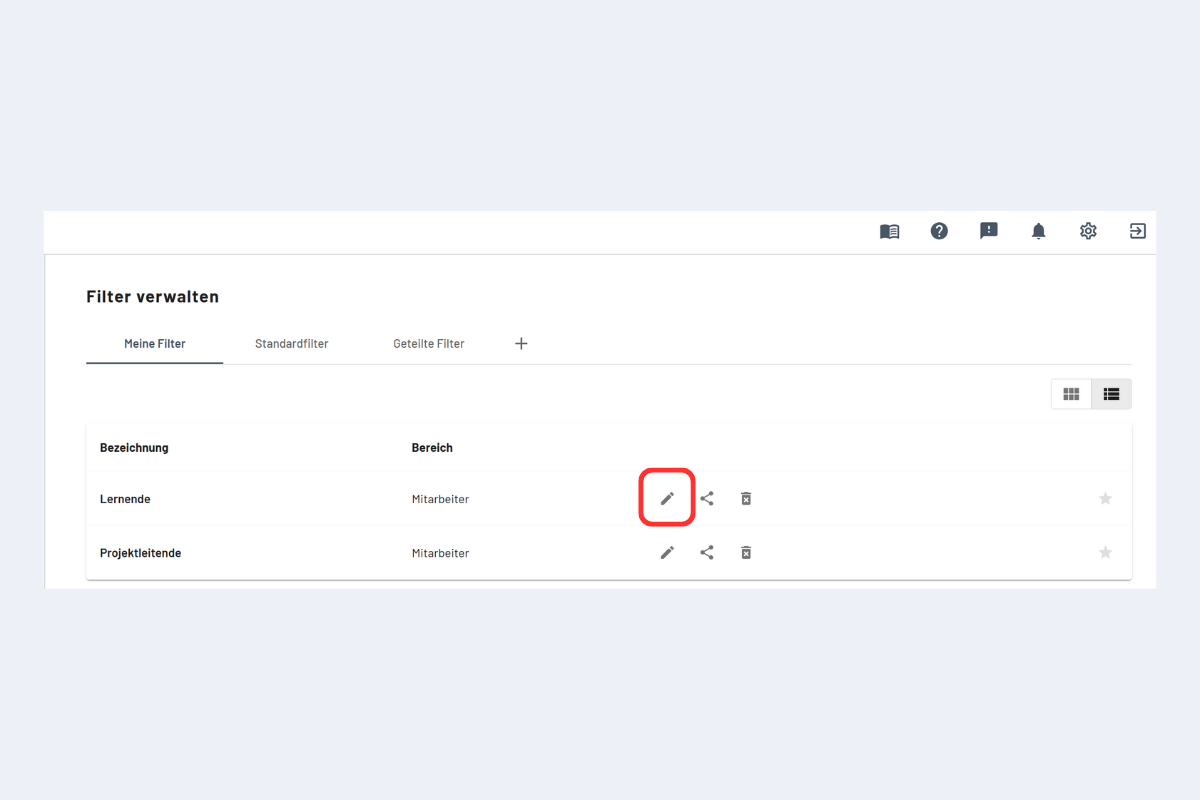
- Open the filter management.
- Select the filter and make the adjustments.
- Save.
Apply immediately
Instead of "Save", click the arrow next to it and pick "Save and apply" to activate the filter at once.
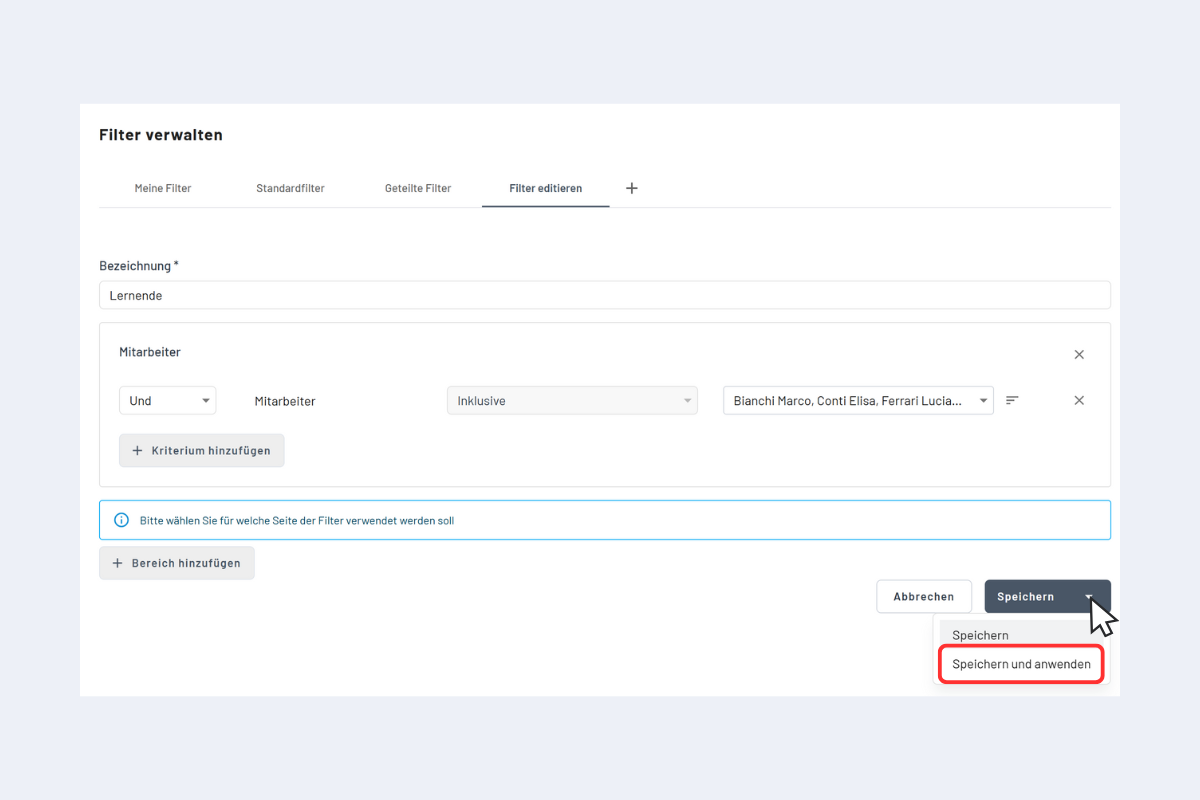
Alternatively only save; the changes take effect on the next load or after toggling the filter off and on.
Edit temporarily
Adjust an active filter directly in the sidebar, for example add additional employees to a team filter without changing the saved filter.
Advantage: vacancies can be assigned to specific teams or departments and the result is visible immediately.