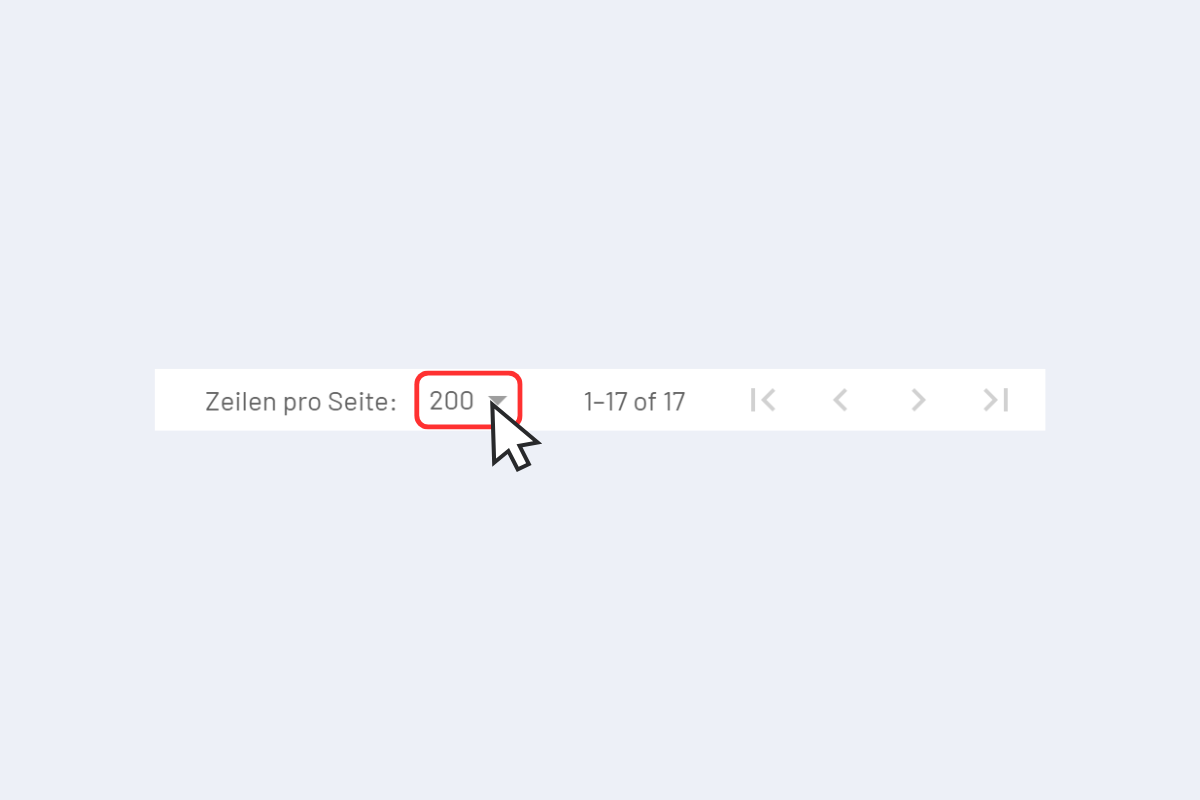
Number of entries per page
At the bottom of every view, you can set the number of rows per page. The more entries, the longer it takes to load.
Clicking the number opens a dropdown with different row options.
Navigating between pages:
- Single arrow right (inner): one page forward.
- Double arrow right (outer): jump to the last page.
- Left arrows: the same, backwards.