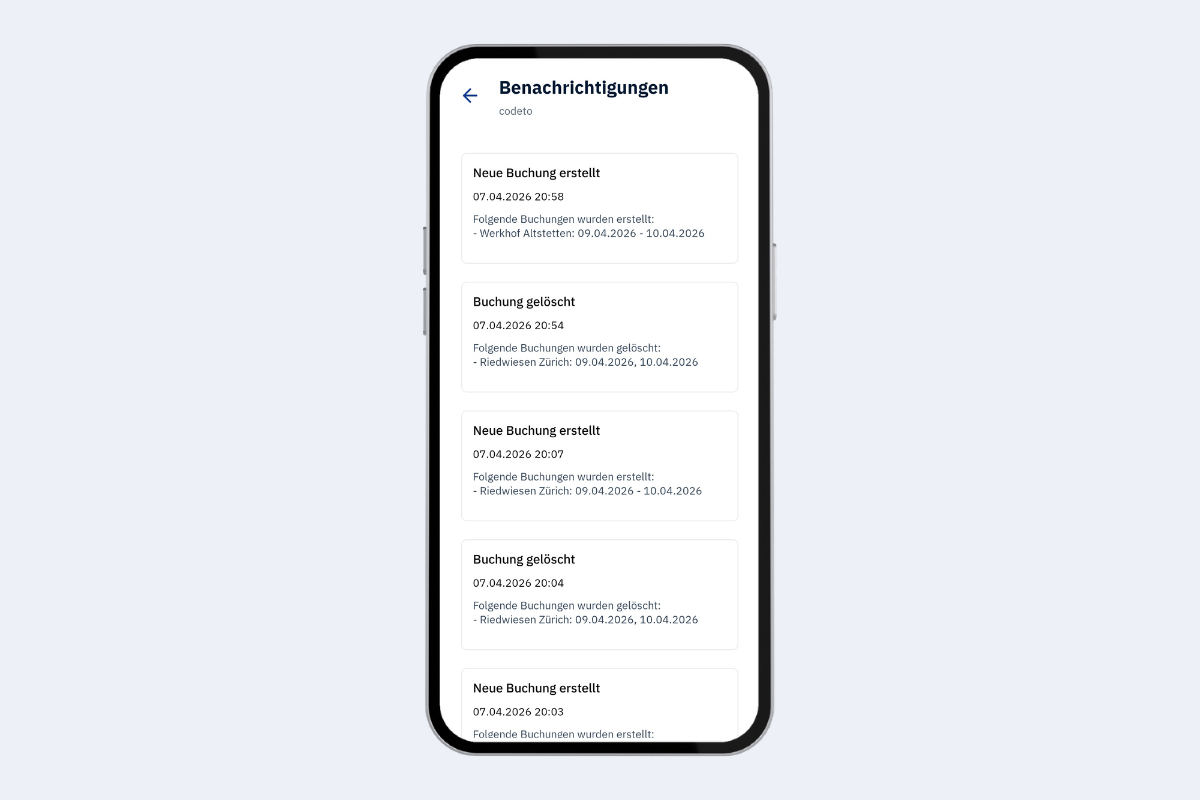
Notifications
You can access notifications in two ways:
- Via the bell icon in the top right corner of the dashboard
- Via the menu and then Notifications
The notifications displayed correspond to the settings you configured under Settings.
There you can also use Notification period (days) to set how many days into the future notifications should cover. Example: With 3 days you only receive alerts for bookings created, updated, or deleted within the next three days.