Settings
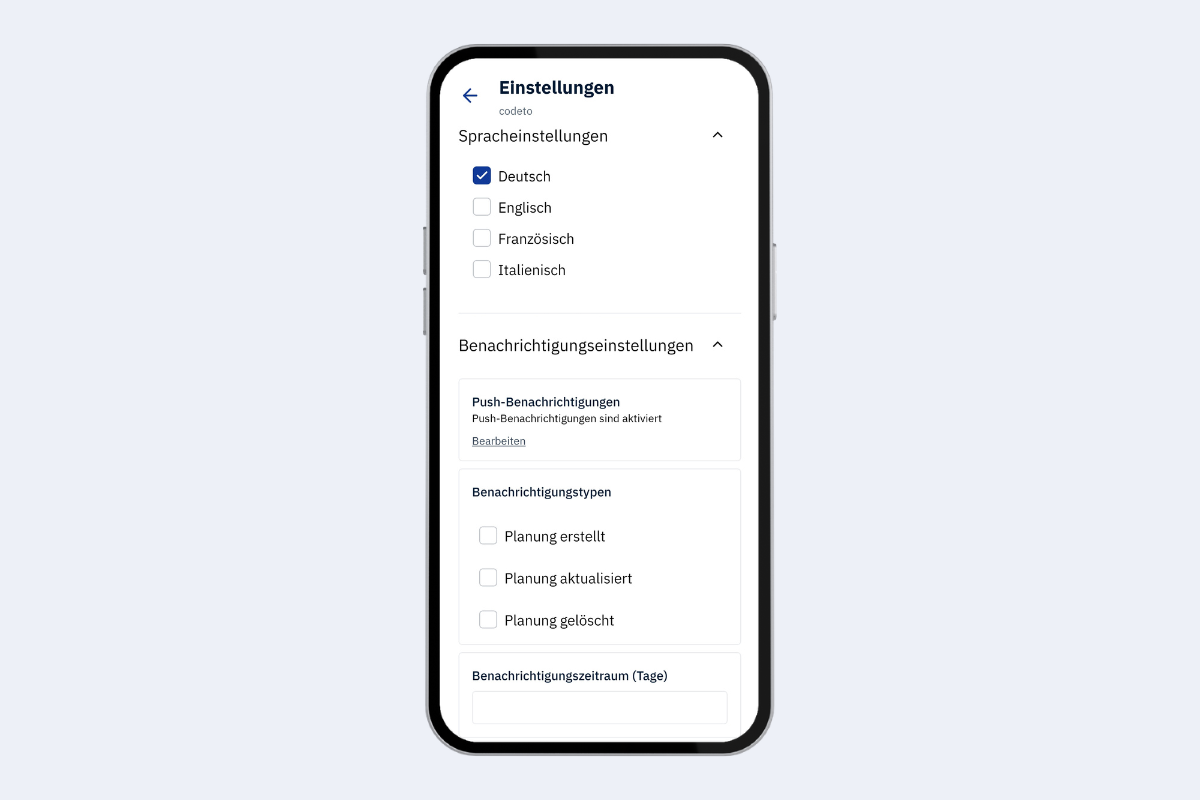
In the settings you can configure the language and push notifications.
Language
Here you can set the language of the app.
Notifications
You can choose which events trigger a push notification:
- Planning created – a new booking has been created for you
- Planning updated – an existing booking has been changed
- Planning deleted – a booking has been removed
Under Notification period (days) you set how many days into the future the notifications should cover. Example: With 3 days you only receive alerts for bookings created, updated, or deleted within the next three days.
info
Push notifications must be allowed on your mobile device. You will be asked automatically when you open the app for the first time.