PDF export
The PDF key exports the current view as a PDF. The file is saved to the download folder.
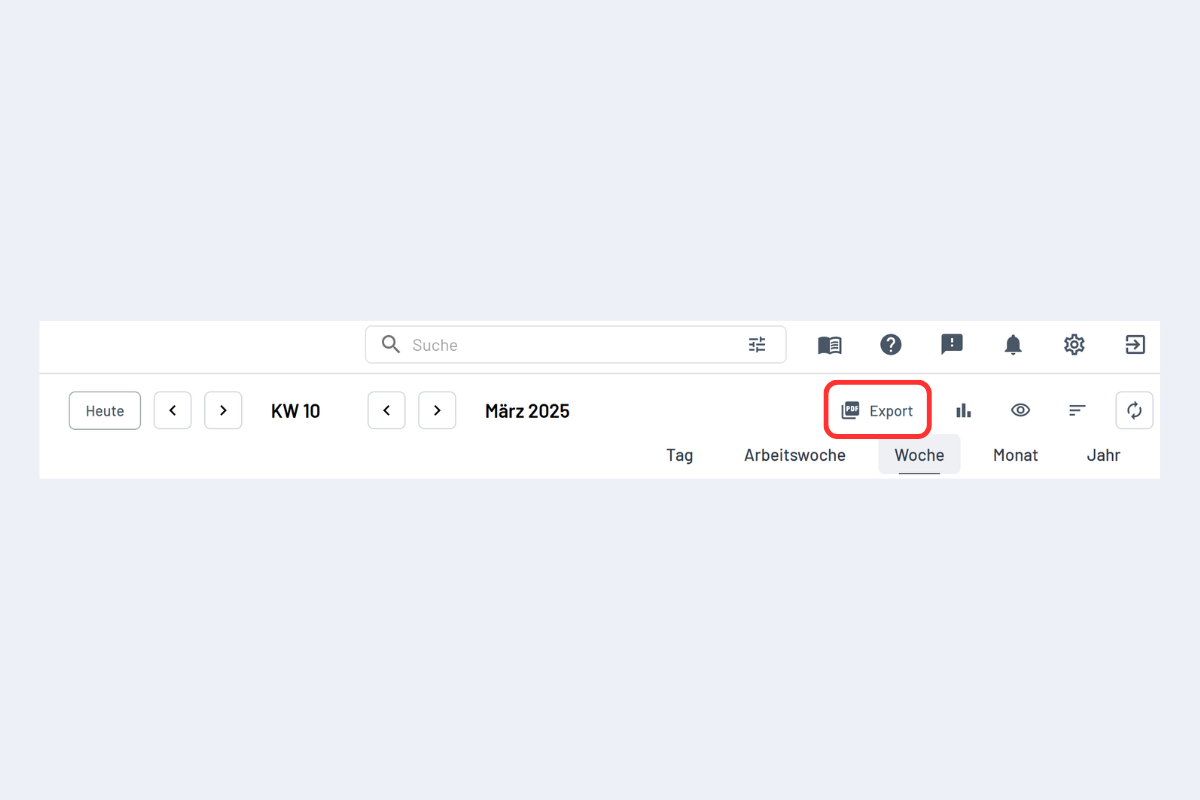
Clicking it opens the export dialog:
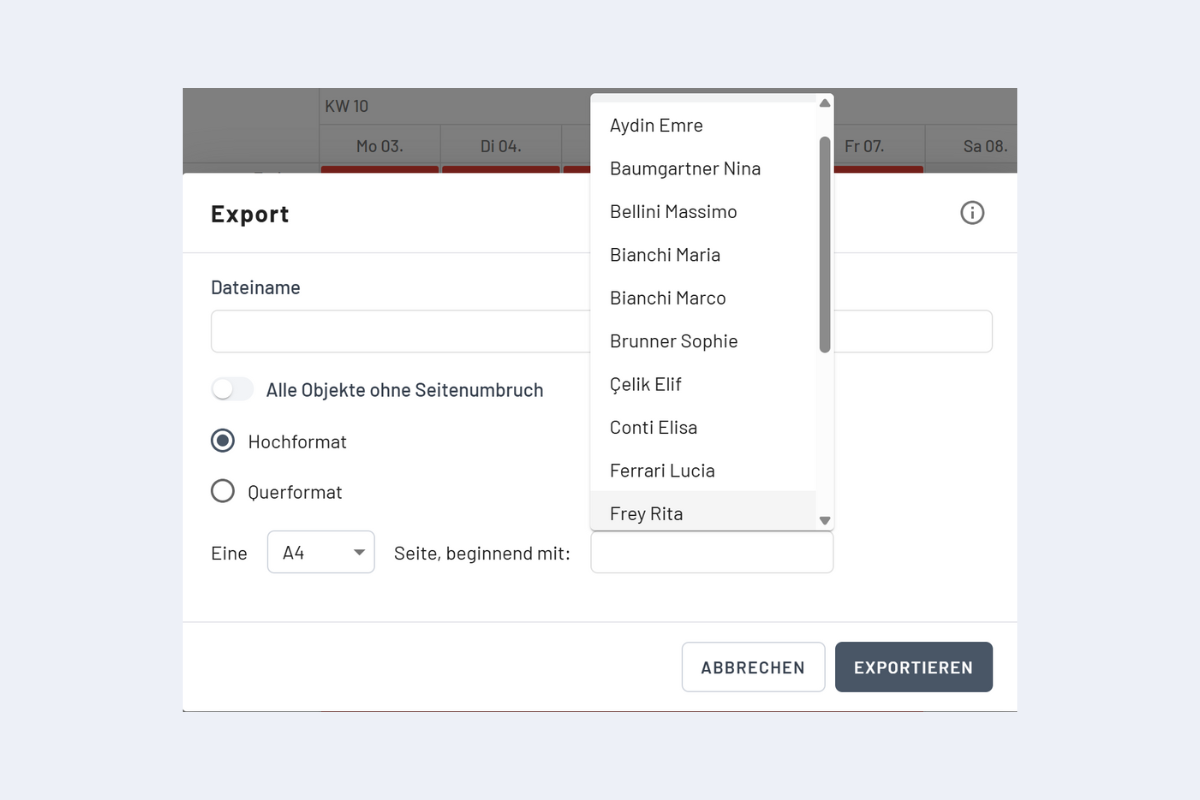
Options
- File name: the desired name. Blank =
codeto plan.pdf. - All objects without page break: exports the current view continuously without a fixed paper size. This option is suitable for reading on screen. Turn it off to print on A3 or A4.
- Starting with: start the export from a specific employee (enter the name).
When All objects without page break is on, paper size, orientation and Starting with are disabled. A previously selected A3 or A4 may still be displayed, but is not applied to the export. The view is not automatically scaled down to fit one A3 or A4 page.
Printing on A3 or A4
- Turn off All objects without page break.
- Choose the paper size (A3 or A4) and orientation (Portrait or Landscape).
- Under Starting with, select the first employee to include and export.
The export includes only the rows starting with this employee that are allowed for the selected format. The number also depends on the booking information displayed and any expanded subrows. If some employees are missing, narrow the selection using filters or create another export starting with the next employee.
Automatic splitting across several pages is not possible. With many entries, narrow the selection beforehand using filters.