Calendar views
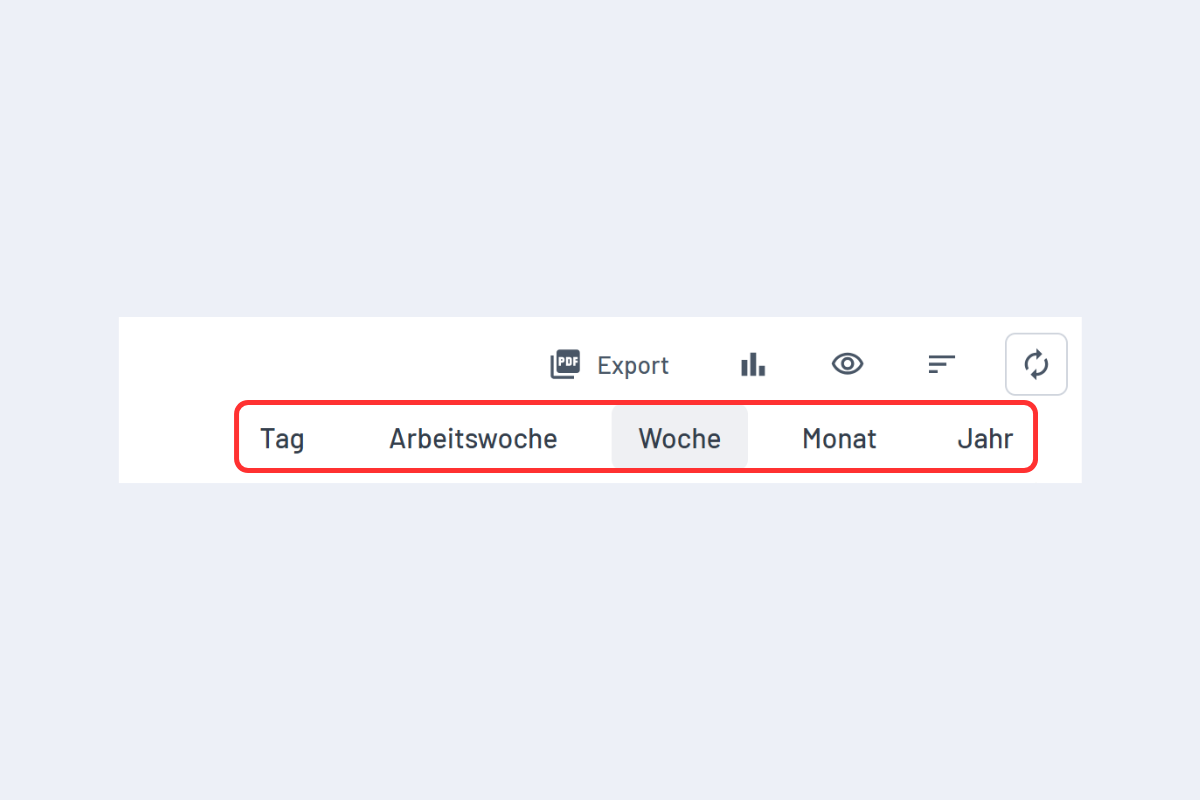
Five views, depending on the level of detail you want: Day, Work week, Week, Month, Year.
Navigate the timeline
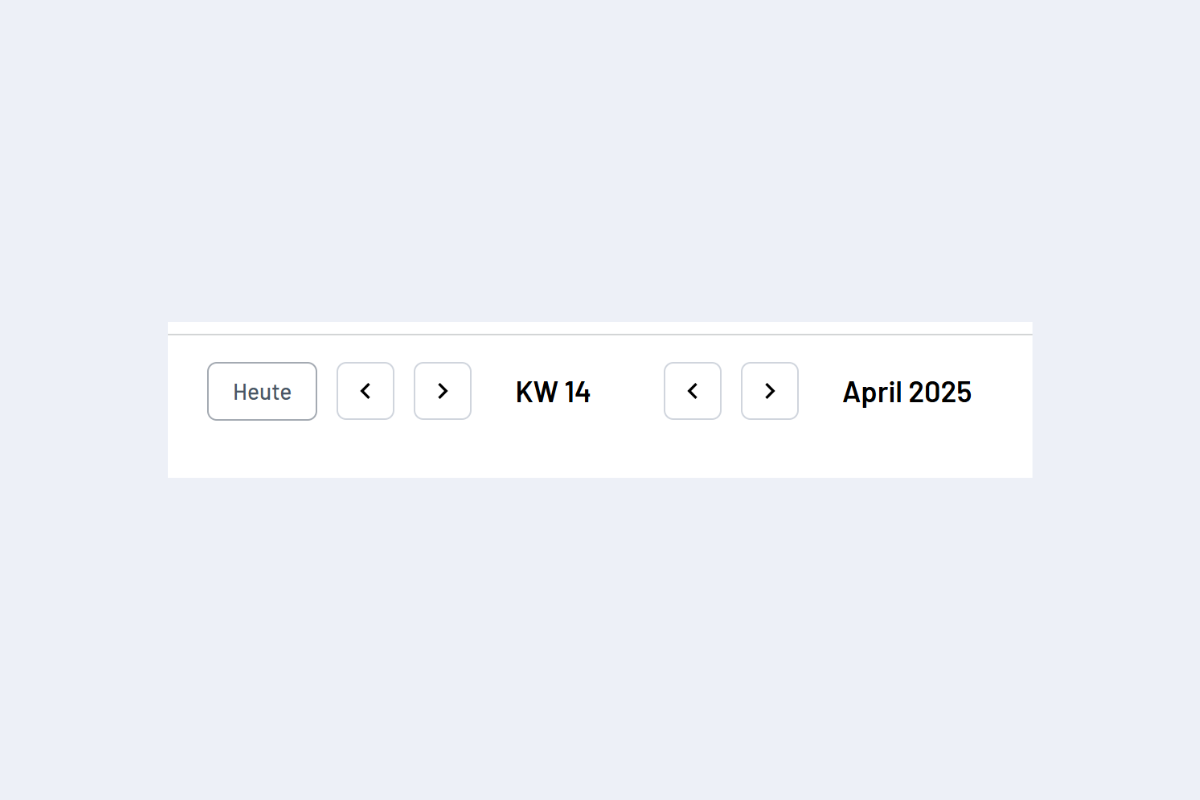
- Today key: jumps to the current date at any time.
- Arrow keys: left / right = previous / next week.
- SHIFT + arrow key: change month.
- Alternatively, the arrows in the user interface.
Jump directly to a period
-
Click on a calendar week or a day (e.g. "CW 18" or "01") to jump directly there.
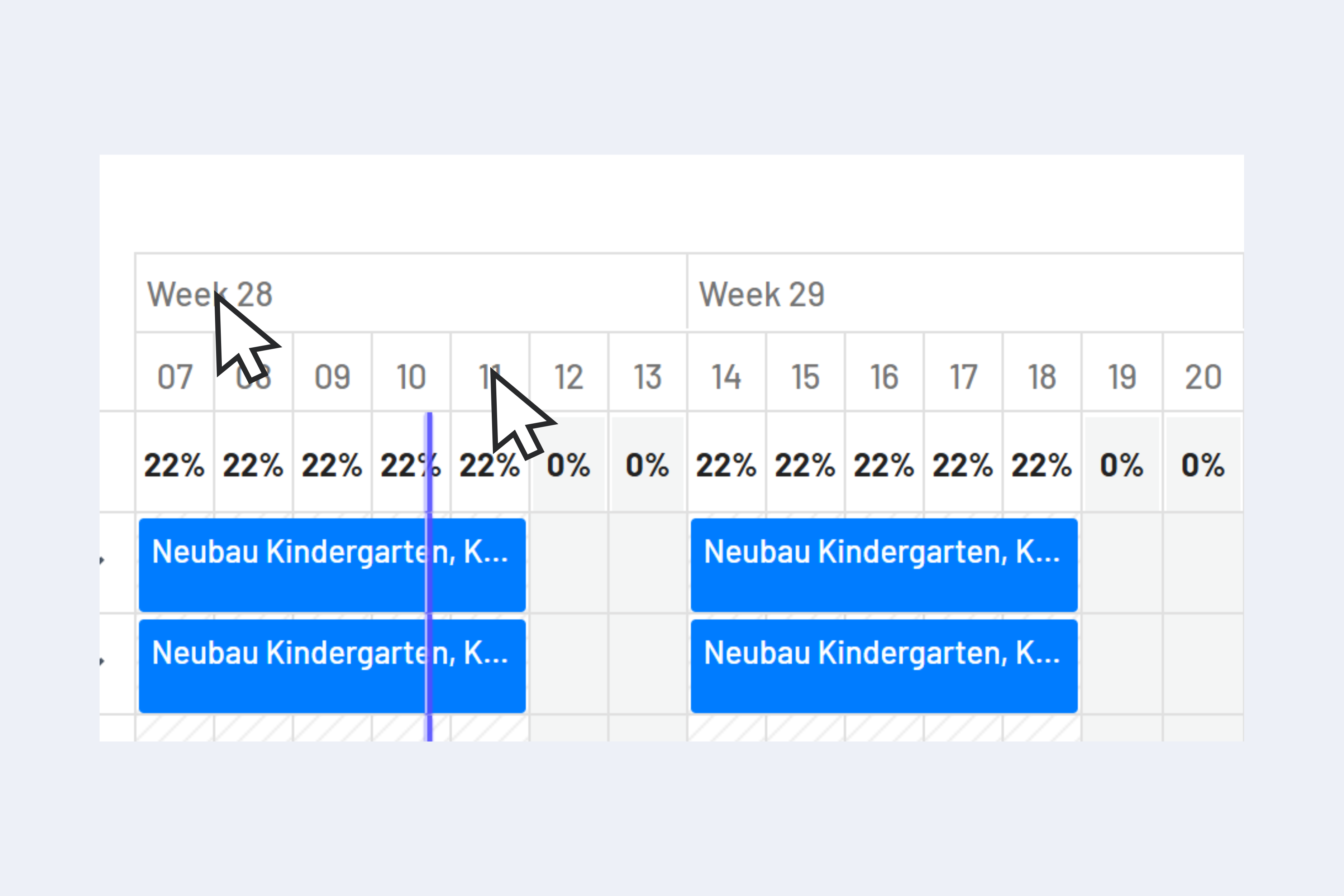
Direct navigation by clicking on a calendar week or day (highlighted in red) -
Date picker: clicking the date in the top bar opens the date picker.
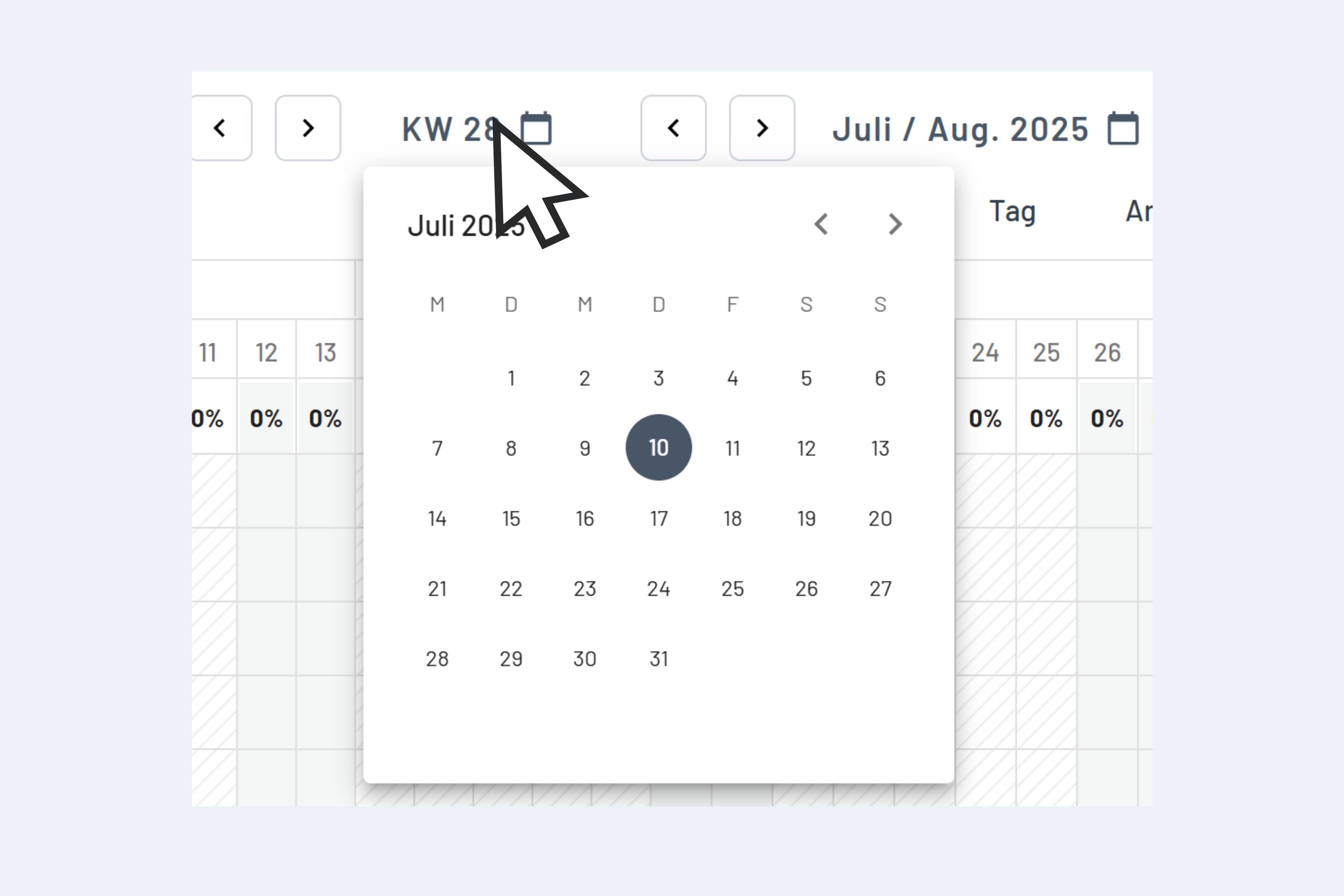
Date picker