User roles and permissions
codeto plan has four permission levels:
| Level | Permission | Who | Device / Use |
|---|---|---|---|
| 1 | Read only | e.g. employees | Mobile View preferred (phone); Web possible (read) |
| 2 | Read and write | e.g. project managers | Web and Mobile View (read/write) |
| 3 | Read/write + settings (working hours, holidays, company specifics) | Management, Secretary | Web only |
| 4* | All level 3 rights for all entities of a group | IT / Application owners (Enterprise) | Web only |
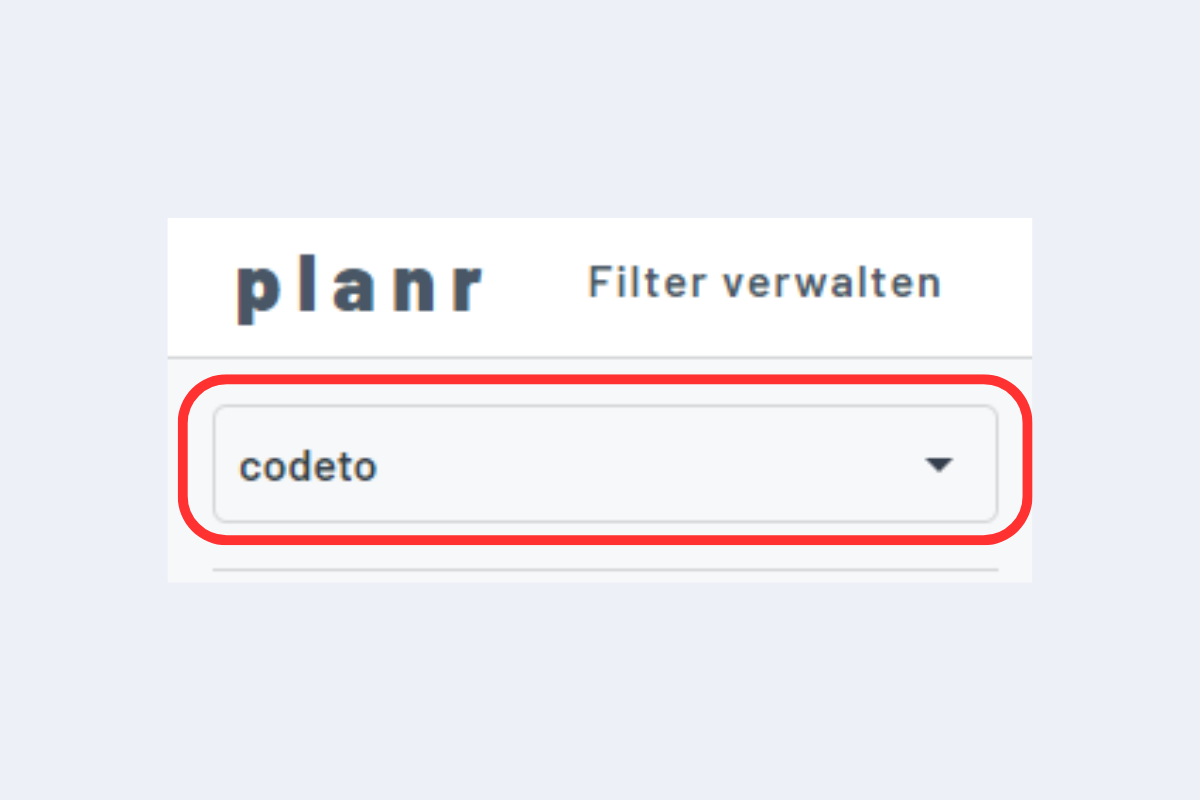
*Users with level 4 can switch between entities or display them at the same time, e.g. for group-wide utilization.
Restrictions for read-only
Level 1 can view detail dialogs and scheduler actions but cannot edit or delete. Level 2 or higher is required for changes to bookings.
User management
- SaaS: Sign-in with an existing Microsoft login is possible (Active Directory). No personal email? On request we create an
adgodeto.chaddress. Adding users or changing roles is handled by us — just let us know. - Enterprise: We recommend an AD integration: single sign-on, central role and permission management, easy on- and off-boarding. User management stays with your IT.
Switching companies