Personal settings
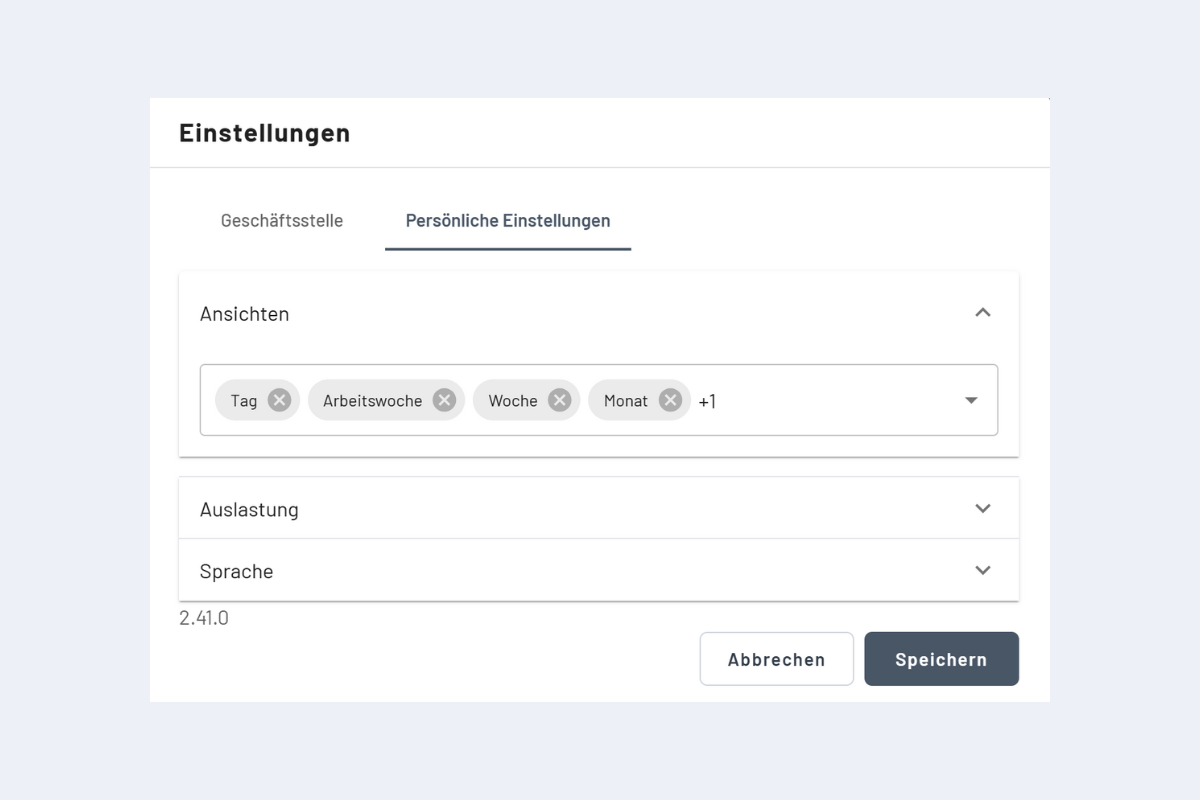
Three configuration areas are available: Views, Utilization control and Language.
Views
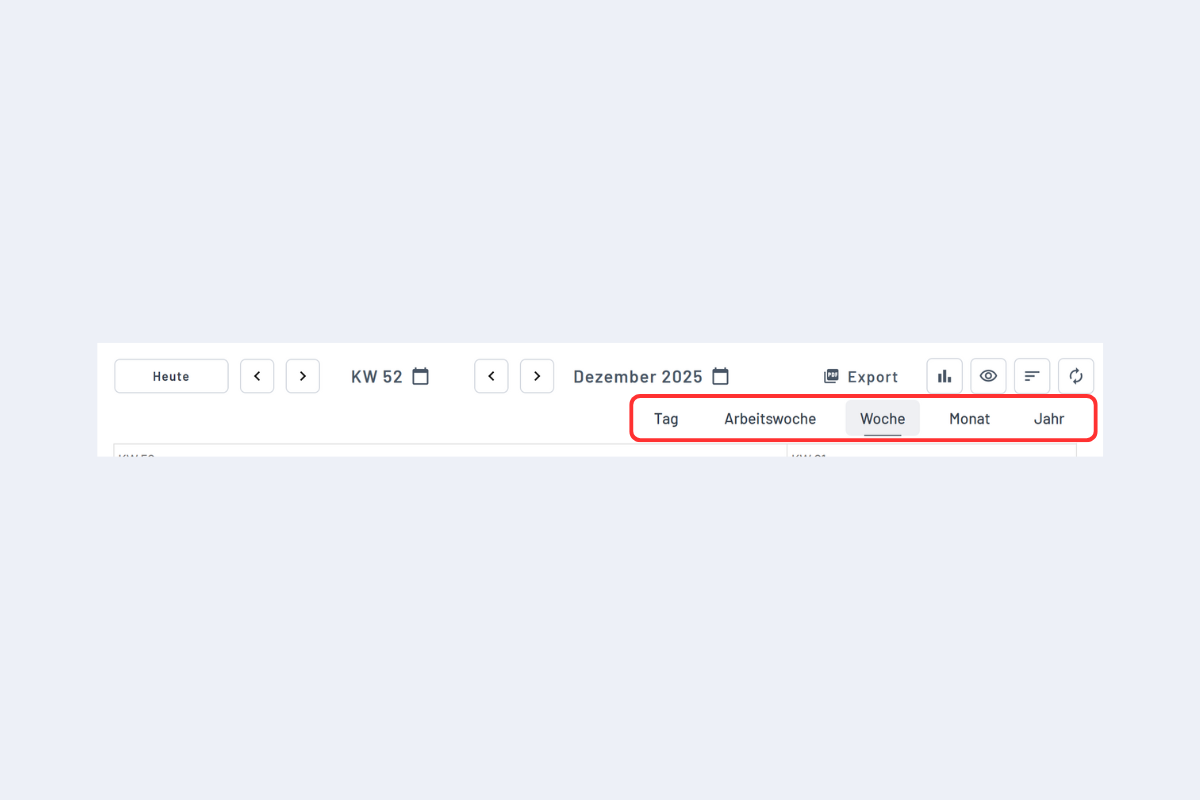
The selection under Views controls your favorite views. These favorites can then be selected directly in codeto plan.
Utilization control
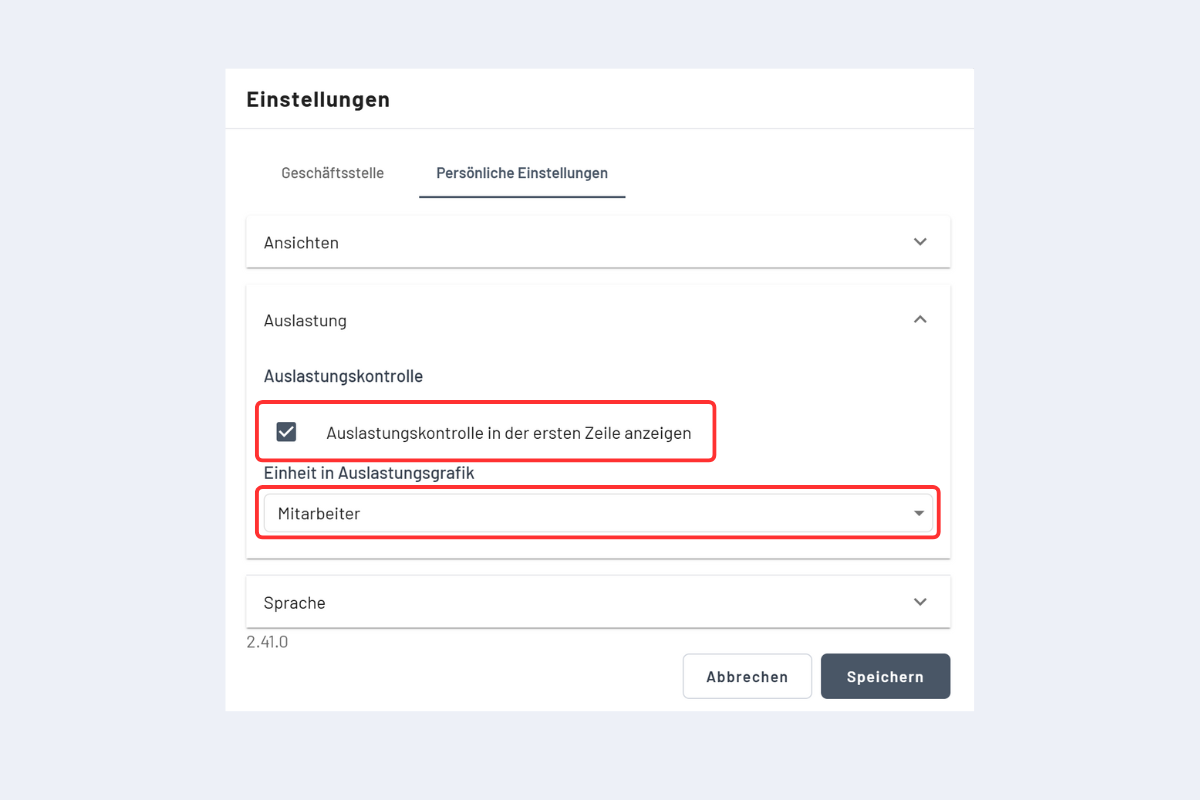
- Show utilization in the first row: enables the utilization indicator in the top row of the employee, project and service views.
- Unit of the utilization chart: choose whether utilization is displayed in employees or hours.
Note
The first-row display only appears when «Also search for hidden objects» is disabled in the search. If it is enabled, utilization is not shown in the first row.
Language
The language can be changed in the personal settings.
The default language is taken from the browser. You can override it in the web interface; once saved, every field and label is adjusted accordingly.