Office settings
Configure the company master data: working hours, public holidays and default colors.
Only users with extended rights (level 3/4) can change these settings. More under User roles and permissions.
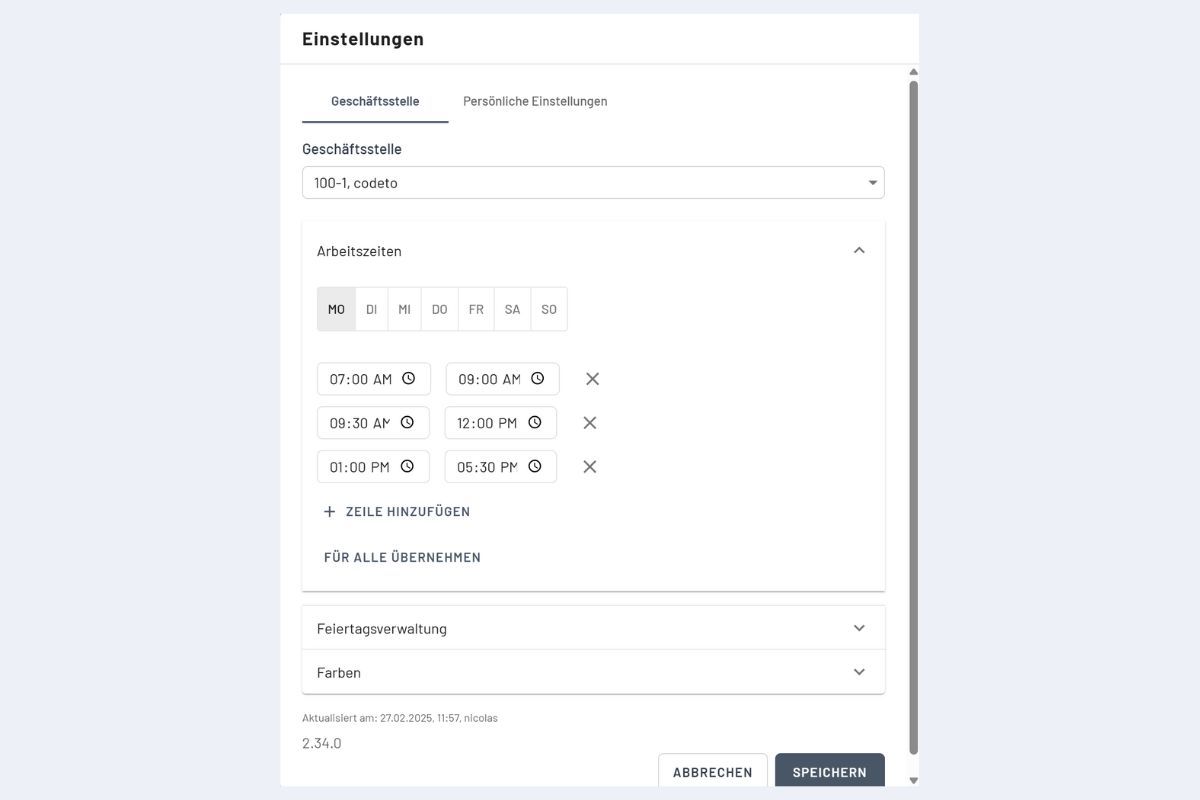
Working hours
Set the company's standard working hours and breaks. New bookings inherit these times automatically; breaks remain free.
Working hours apply only to future bookings, existing ones stay unchanged.
Recommendation: Don't set working hours on weekends unless you regularly work then. This keeps capacity calculations correct, Saturday and Sunday are then booked only on demand.
Holiday management
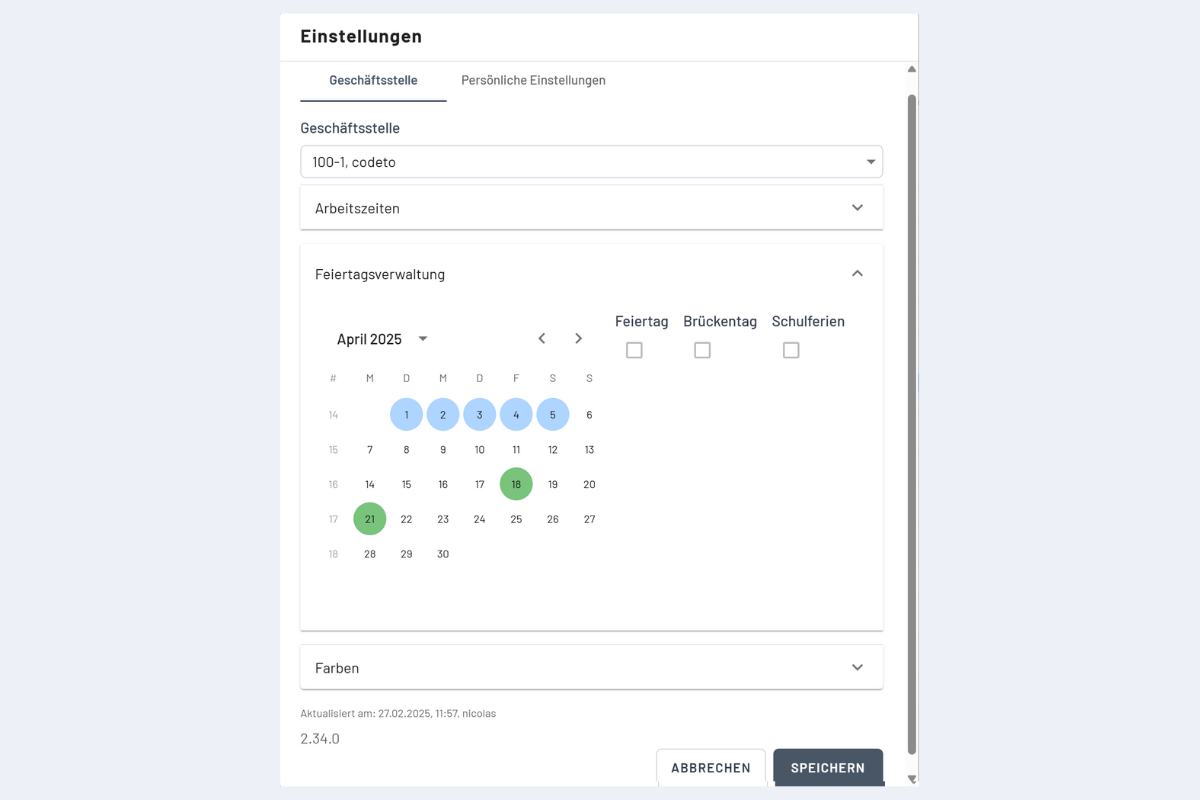
Record public holidays, bridge days and school holidays. Display in the plan:
- Public and bridge days — gray, non-working. Bookings spanning these days skip them automatically. To explicitly book on such a day, create a separate booking.
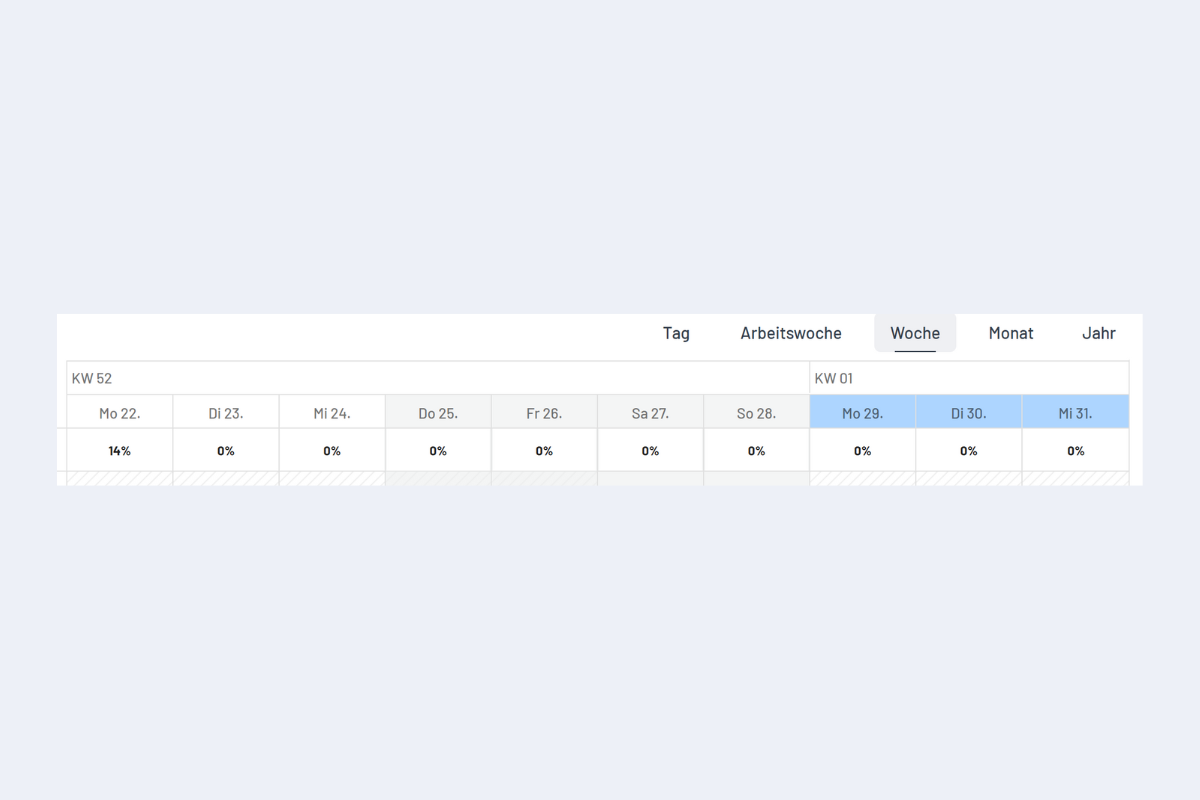
- School holidays — blue, purely visual. These days remain bookable as usual.
Individual color assignment per public holiday (e.g. red for August 1st, blue for Good Friday) is currently not possible. All recorded public holidays are displayed uniformly in gray, the same as weekends.
Public holidays are stored per branch office. Employees automatically see the public holidays active for their branch office in the Disposition.
Select a start date and
- with CTRL add individual additional days, or
- with SHIFT select a continuous range.
Then check the School holidays box.
Colors
Default color for all projects, service orders and info bookings. The color can be customized when creating an individual project or service.