Signing in with Microsoft (SSO)
If you did not receive a password from us and sign in with your Microsoft account (SSO), proceed as follows:
- Click «Microsoft Login».
- If a message says that a user with your email already exists, click «Add to existing account».
- You will receive an email. Confirm the link in it. You are then signed in directly.
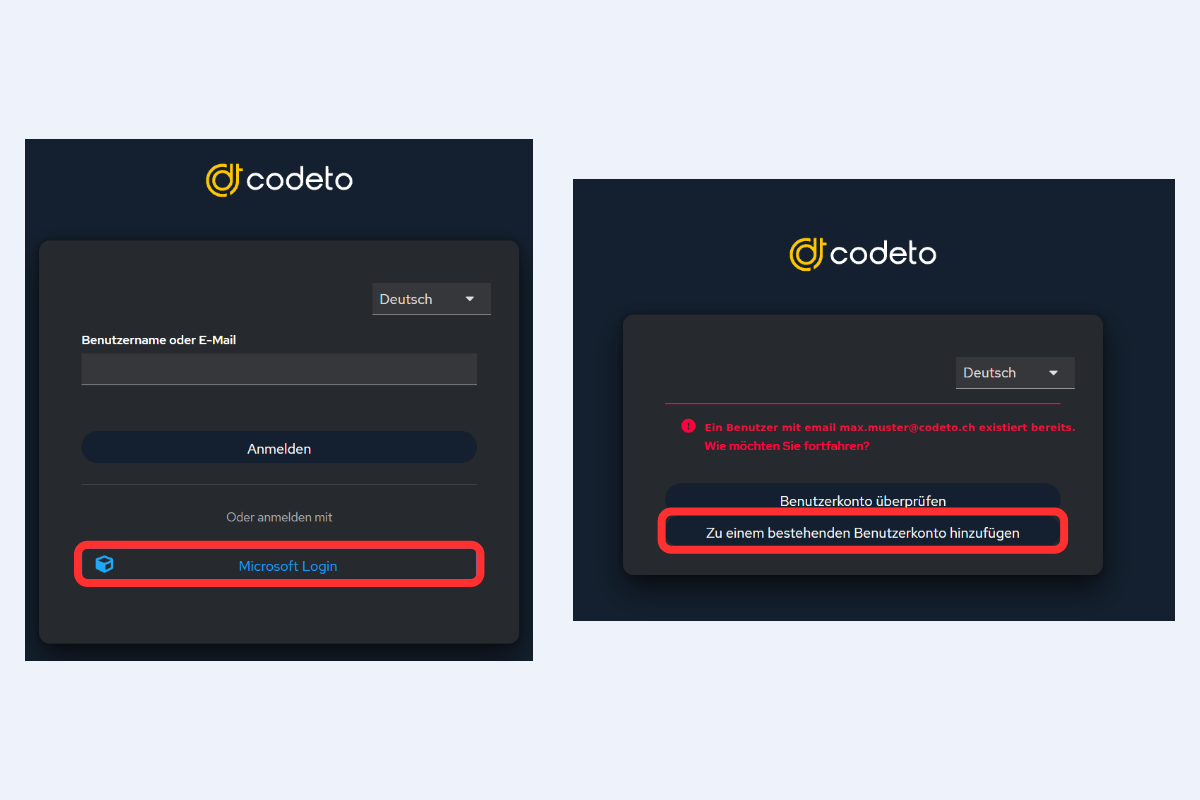
Microsoft Login, then add to the existing account