Login and logout
Login
Depending on your company's setup, there are two ways:
- With Microsoft account (SSO): If your company has connected codeto report to your Microsoft account, you simply sign in with your existing company login. (SSO = Single Sign-on: the same login you use for Outlook or Teams, for example.)
- With username and password: If SSO is not set up, your internal administrator or super user provides the credentials.
Trouble signing in?
- With SSO: contact internal IT first, since they manage the Microsoft accounts.
- Without SSO: contact your internal super user. If there is no response from there, support@codeto.ch can help.
Logout
Click your profile in the top right and choose Logout.
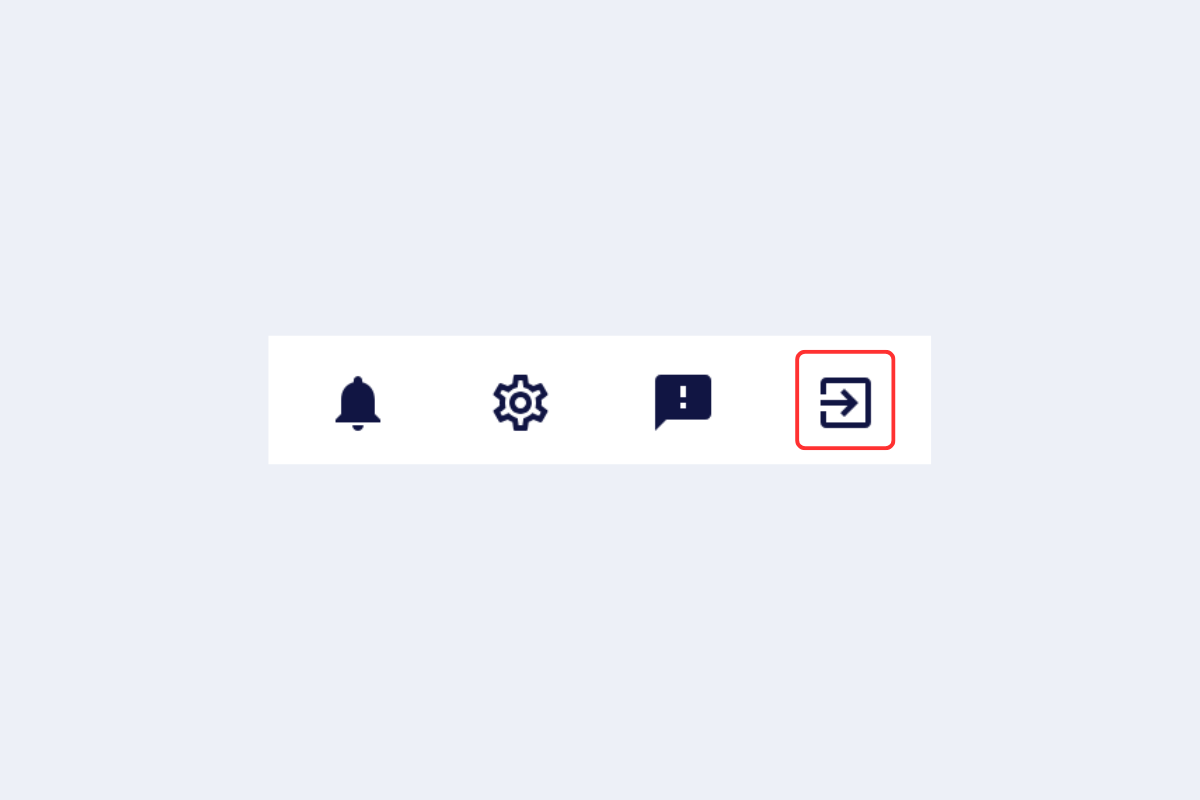
Logout