Home
Everything around using the mobile app: recording, forwarding, approval (depending on role), notifications and reminders.
This documentation looks at the app from the perspective of an employee. Typical scenario: you are on the construction site or on the way back and want to record your times for the day or for the whole week.
After opening, you land on the dashboard. There you see the current week and any open weeks that still need to be reported or closed. The bell icon at the top right shows new notifications. More under Dashboard.
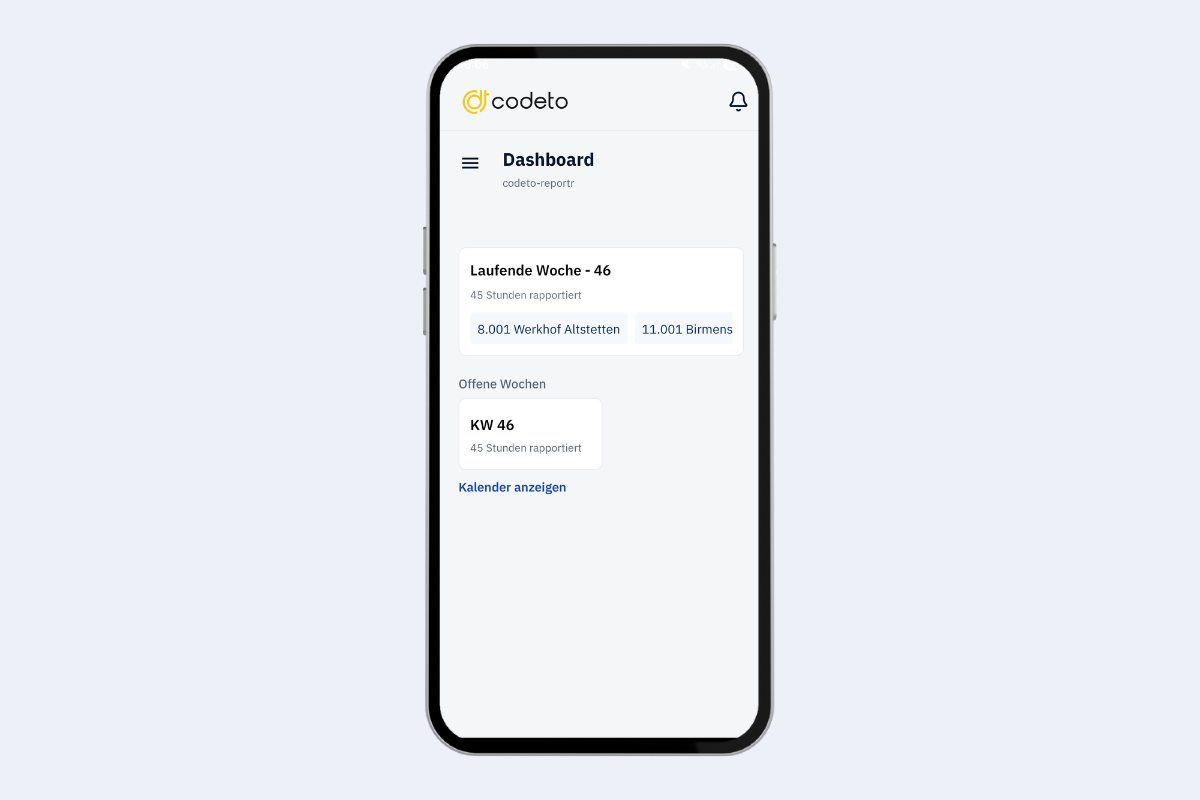
Mobile app, home
A click on the three lines to the left of the dashboard opens the menu.
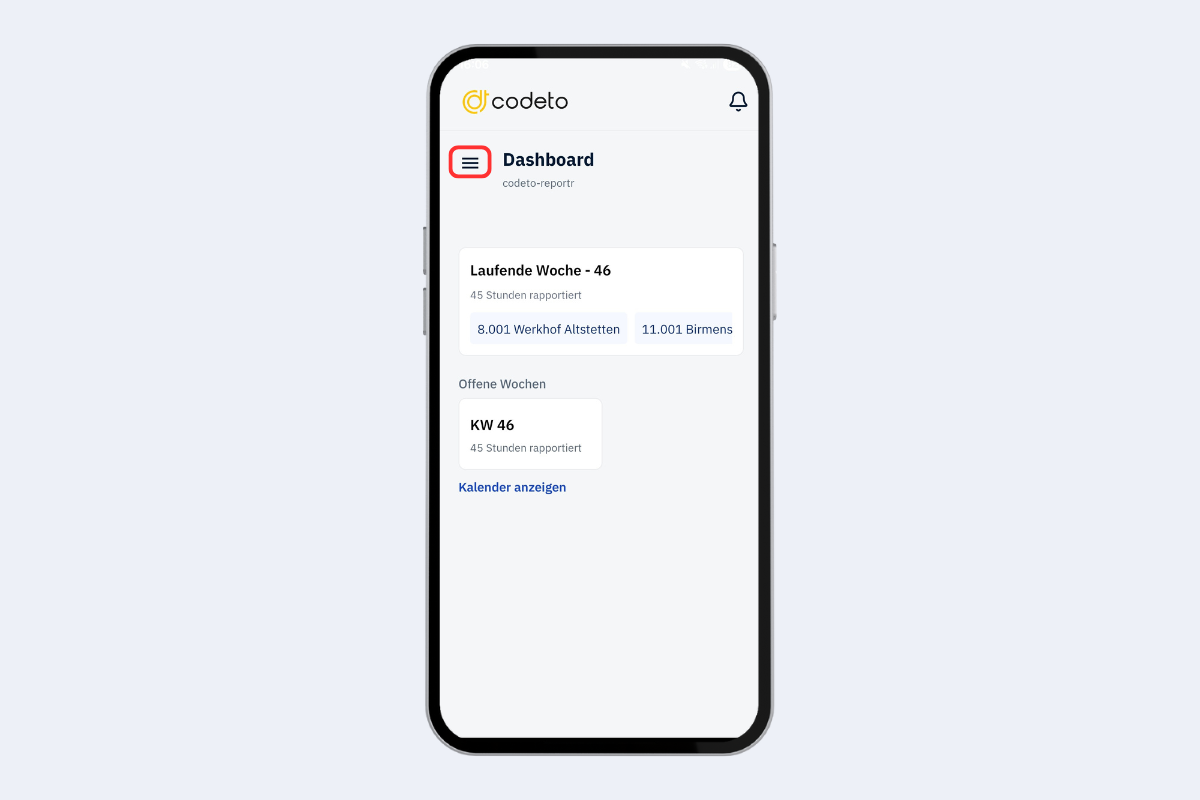
Mobile app, home: to the menu