Notifications and reminders
codeto report reminds you of missing reports and pending approvals via push notification or email, depending on your settings.
In the menu, tap «Notifications» to open the overview. The settings are accessible at the top right. All received messages appear below.
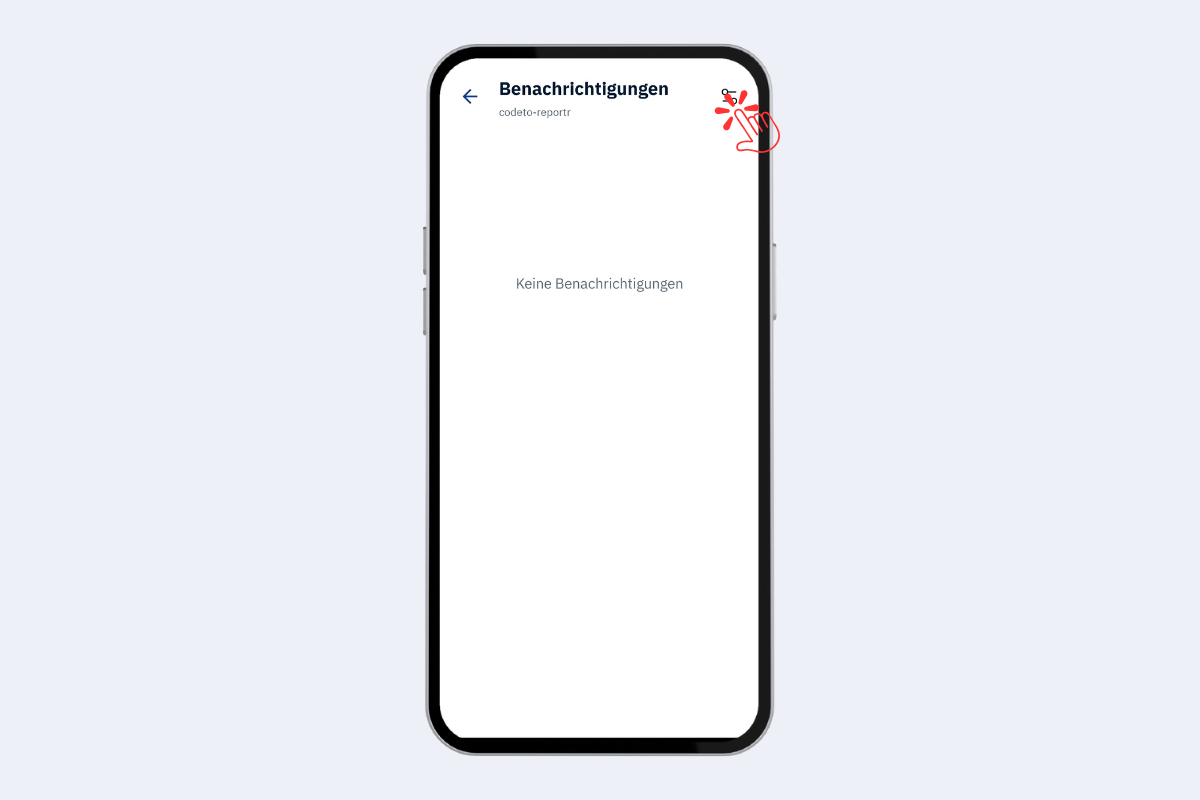
Mobile app, notifications
Settings
- Channel: push (mobile-specific) or email (synchronised with the web app).
- Push: «Edit» opens the system settings; allow push there.
- Email: «Edit» to enter the email address.
- Message types: «Open weeks» or «Reports to approve».
- Frequency: weekly or monthly.
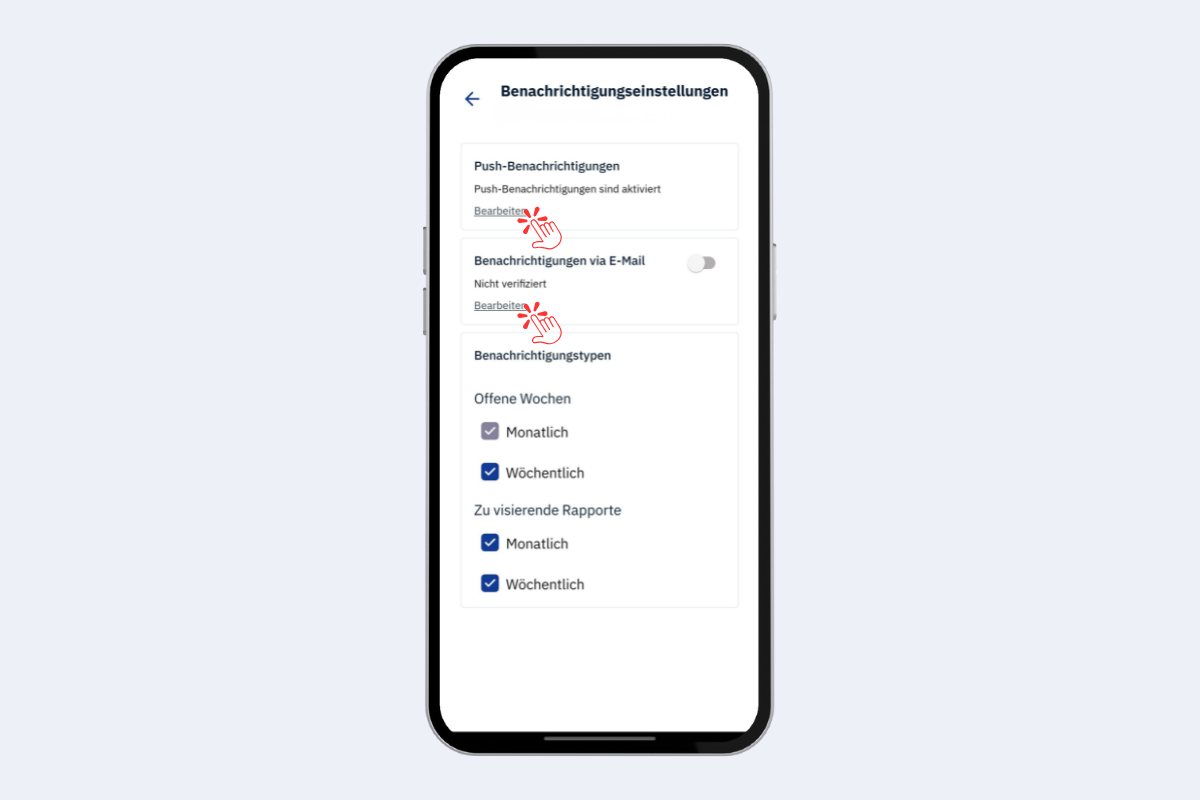
Mobile app, notifications: settings
Configure times individually
The reminder times currently cannot be adjusted directly in the app. On request we set the desired times per company; just contact us at support@codeto.ch.
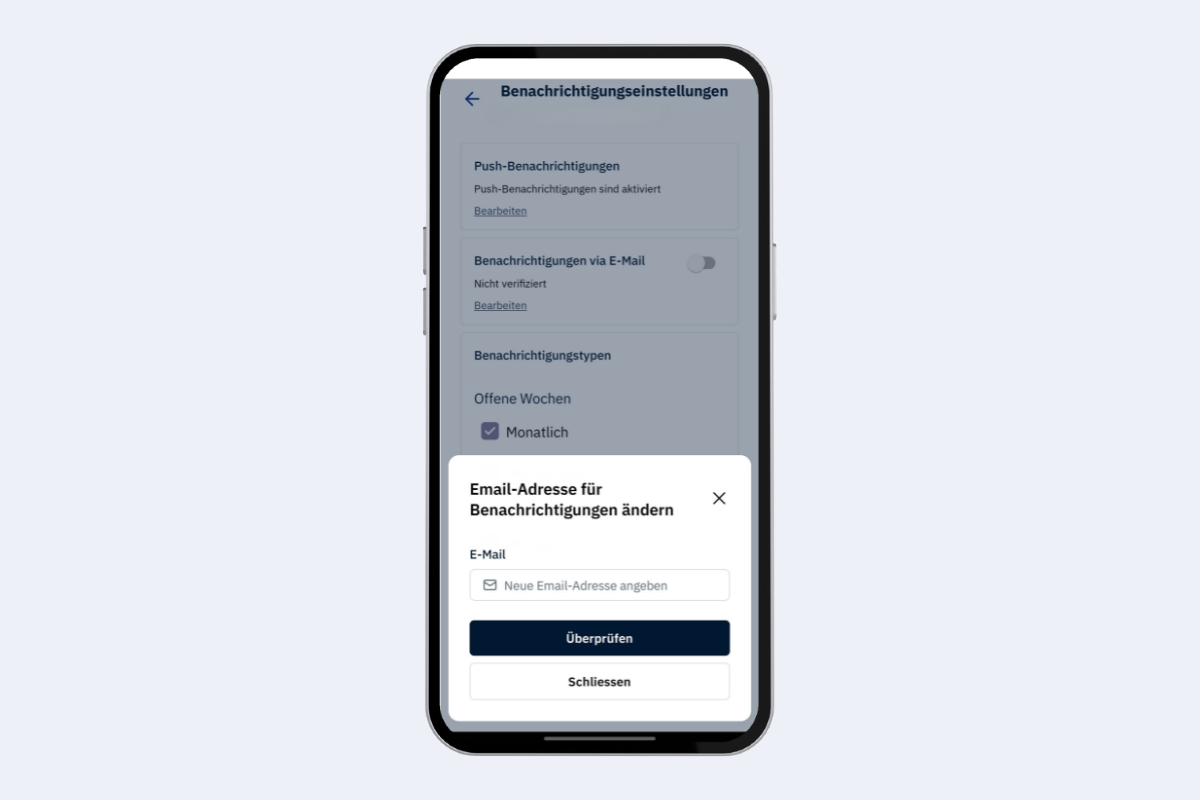
Mobile app, notifications: enter email address