History
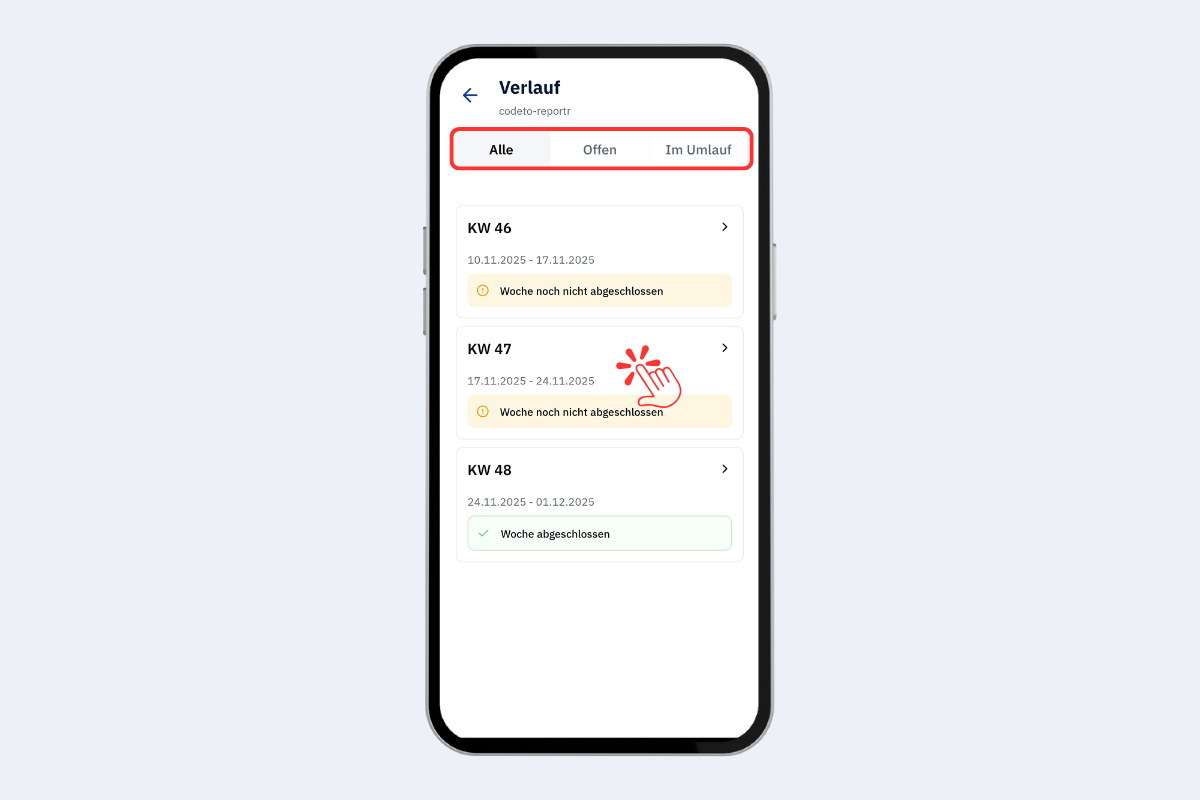
Mobile app, history
The fields are listed in the order they appear in the view, from top to bottom and from left to right.
Overview of all your own weeks. Three tabs:
- All: full overview, including closed weeks.
- Open: weeks with missing entries or without closure.
- In circulation: weeks that have been forwarded and are in the approval process.
Tap a calendar week to jump straight to it and view the entries.