Dashboard
The dashboard is the start overview in the mobile app.
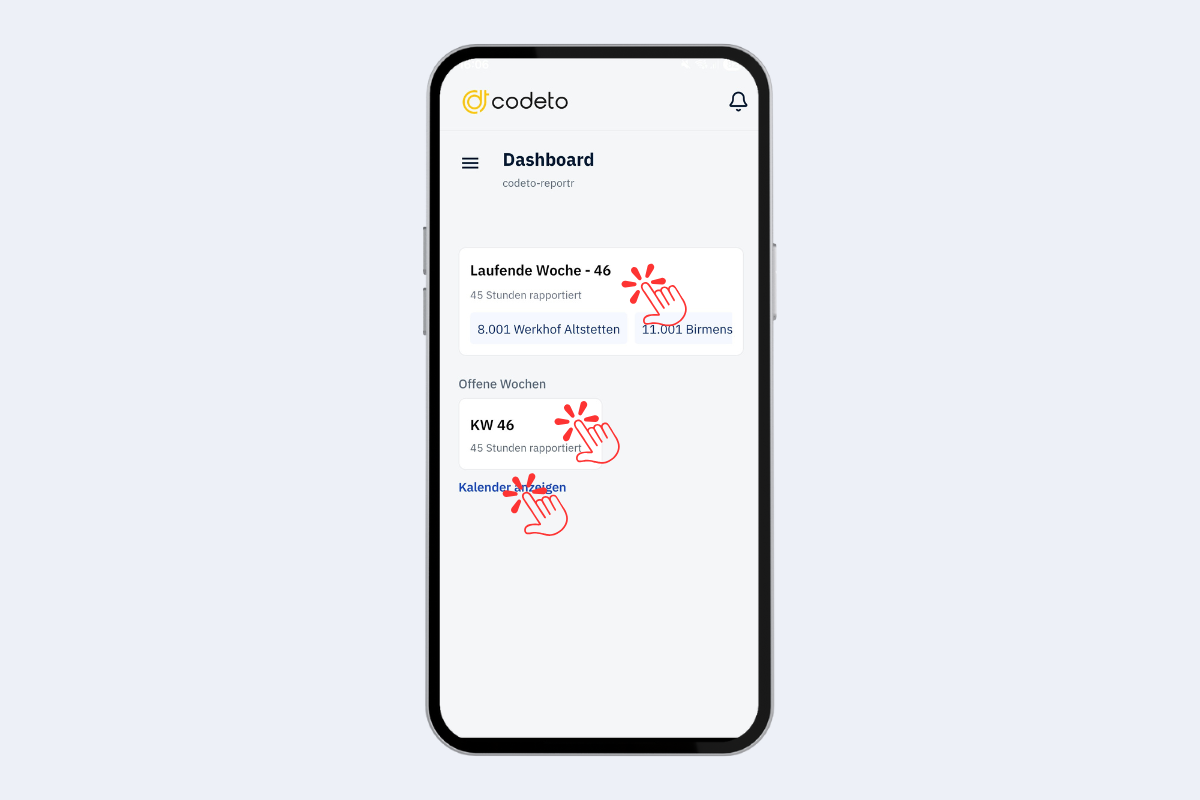
Mobile app, dashboard
The fields are listed in the order they appear in the view, from top to bottom and from left to right.
- Bell at the top right: new notifications.
- Current week: quick access to the current calendar week.
- Open weeks: weeks with missing entries or without closure.
- Show calendar: jump straight to the monthly overview.
The three lines on the left open the menu with all other areas.