Menu
The menu lets you switch quickly between the most important areas. The dashboard corresponds to the home screen.
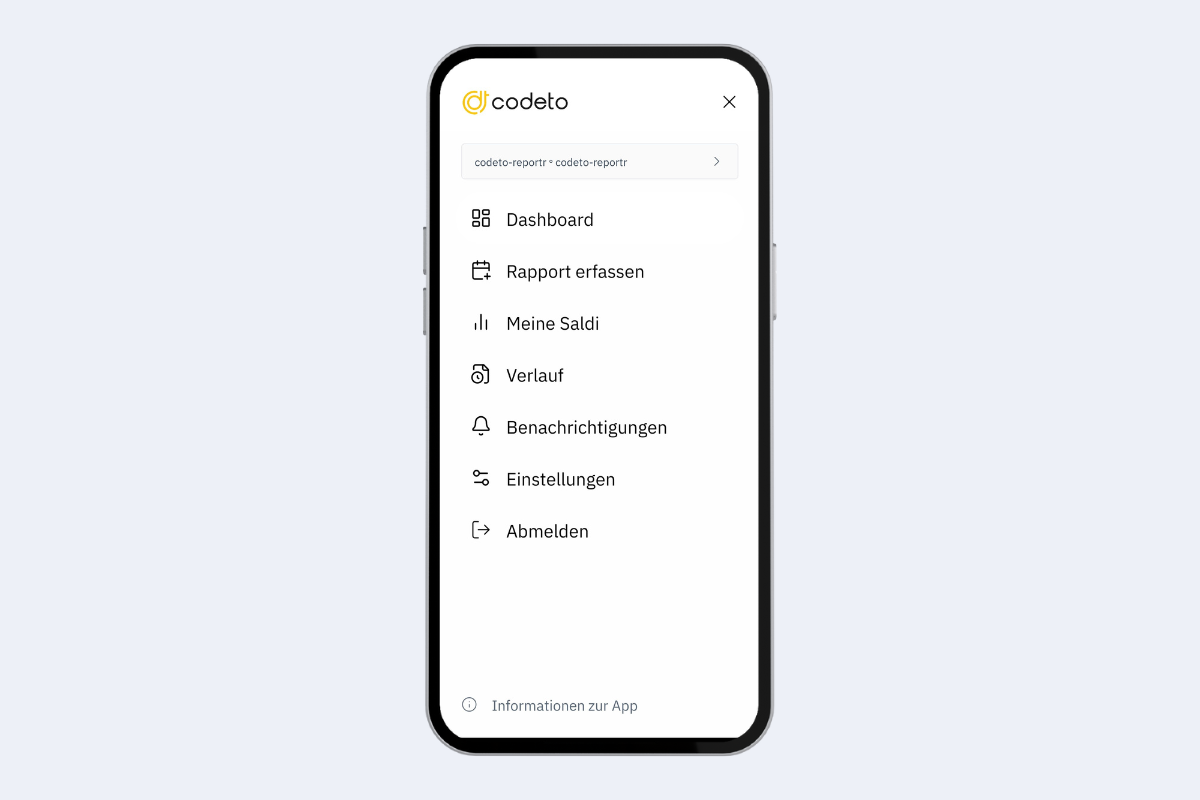
Mobile app, menu
The fields are listed in the order they appear in the menu, from top to bottom and from left to right.
- Dashboard: overview of current and open weeks. See Dashboard.
- Record report: enter times for projects or absences. See Record report.
- My balances: holiday, overtime and prior-year hours, see My balances. The menu entry is always present. If the function has not yet been enabled for the company, the view stays empty.
- History: open, in-circulation and completed weeks. See History.
- Notifications: messages from the app. See Notifications.
- Settings: adjust personal settings. See Settings.
- Sign out: sign out of the app.
- About the app: notes on news and updates.