Circulation log
The circulation log documents every action around reports and week closures completely, with timestamp and comment, chronologically and visible to all participants.
Circulation log, icon
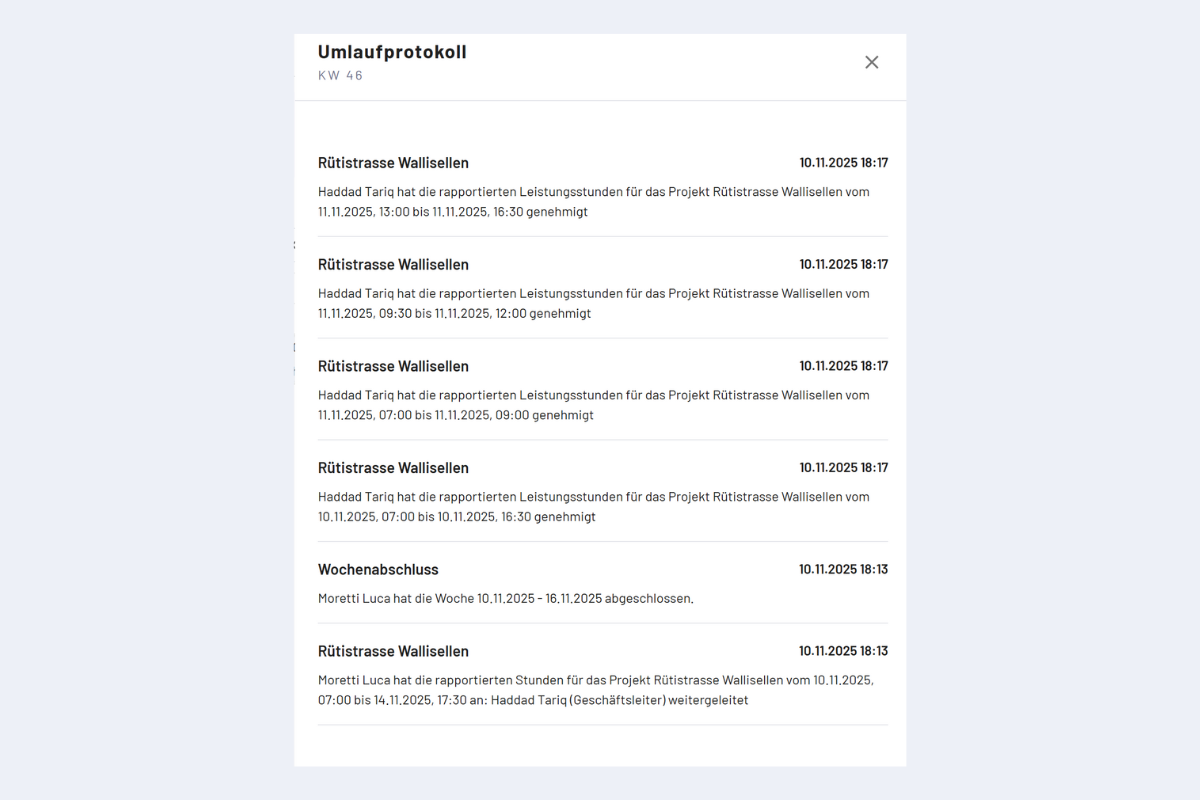
Circulation log, sample view
What is logged?
- Status changes of reports.
- Week closure and reopening.
- Rejection (incl. reason) and approval.
- Additions (report and general additions): capture and modification.
Visibility
- SU (super user): all logs.
- Master / supervisors: logs in their own area of responsibility.
- Employees: logs that affect them personally.
Typical use
- Trace rejection reason.
- Check approval chain (who approved when?).
- Check whether a week was reopened afterwards.
note
For a rejection, the comment is mandatory and appears in the circulation log.