Notification settings
The notification settings are synchronised between the web app and the mobile app, configuring them once is enough. For each message type, you choose how you want to be notified:
- Pop-up (web only): appears as a notification in the web app.
- Email (web and mobile): sent to the stored email address.
- Push (mobile only): configured separately in the mobile app. Details under Notifications and reminders (mobile app).
Message types
- Missing reports (open weeks): reminder of reports that you have not yet completed yourself. Sending optionally weekly or monthly.
- Reports awaiting approval: reports that are with you for approval and are waiting to be released.
"Reports awaiting approval"
Only relevant for people who approve, that is, roles from project manager check upwards in the approval structure.
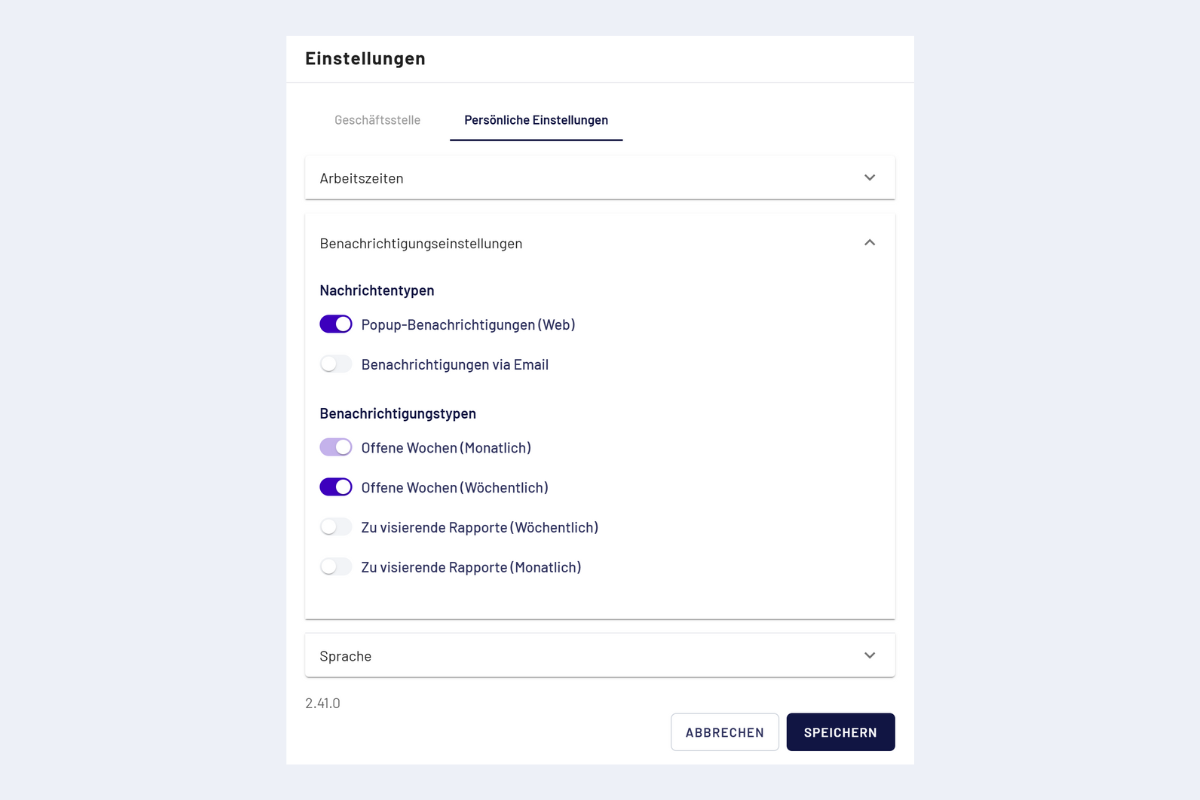
Personal settings, notifications (web)