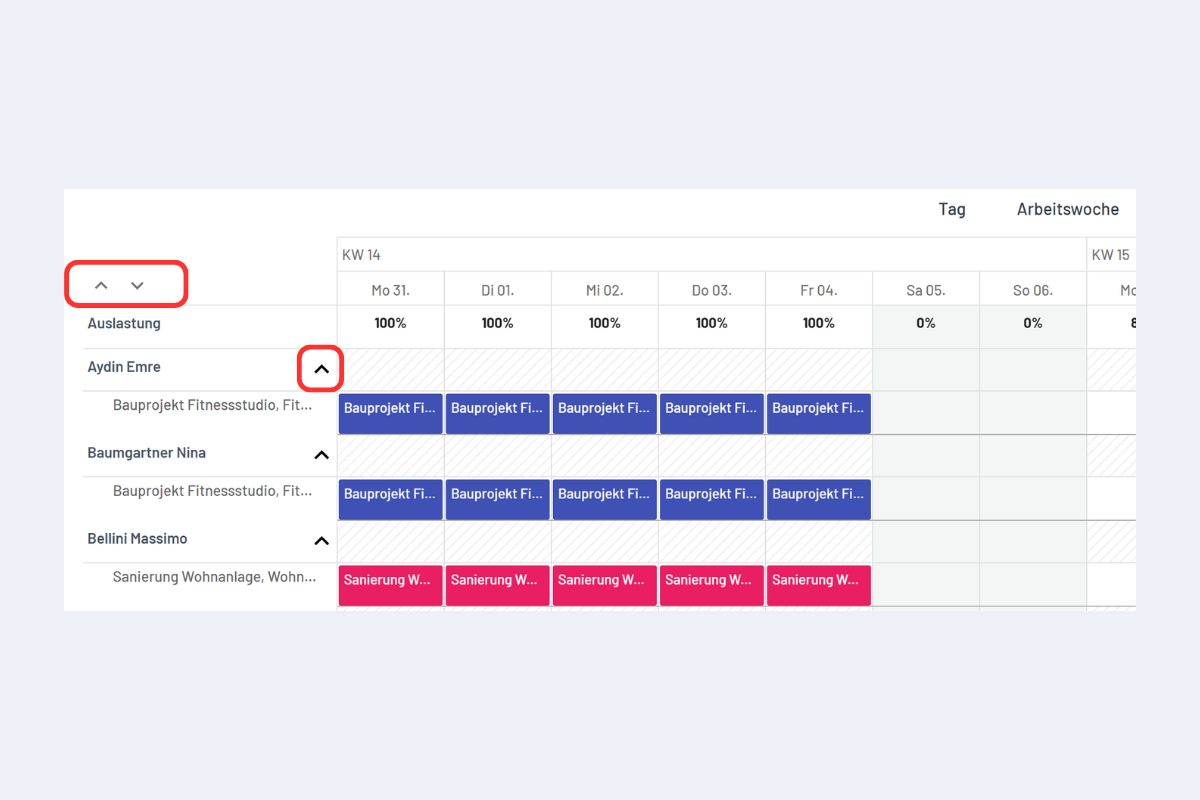
Detail view
You can switch between the overview and the detail view.
Only in the detail view can bookings be modified, moved or copied via drag & drop, including multiple at once with the ALT key held down. As soon as several bookings are selected, codeto plan automatically switches to the detail view.
It is also possible to open the detail view of a single row only. Click the individual arrow with the red border (see Fig. Detail view).
To close the detail view, click the corresponding upward arrow.