Create new booking
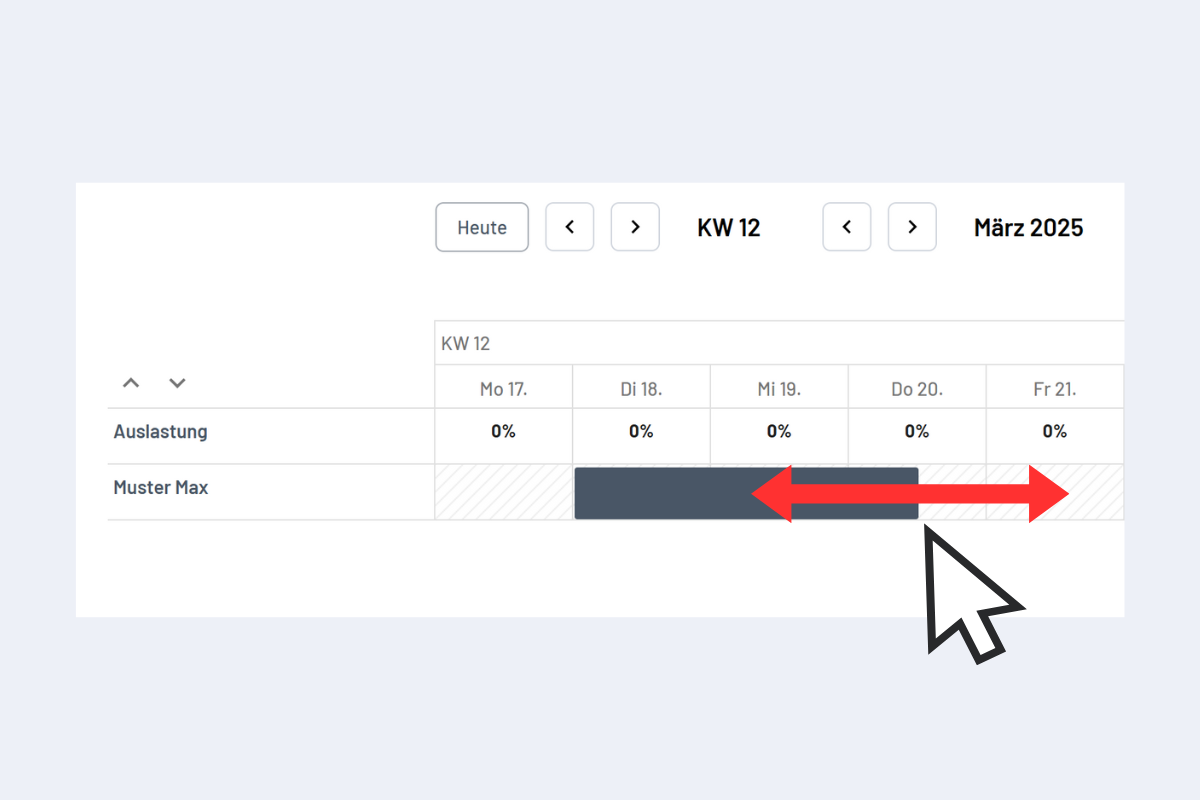
To create a new booking, drag a bar across the desired time window with the left mouse button held down (see Fig. Create booking with drag & drop). When you release the mouse button, a dialog opens to create the booking.
Alternatively, double-click on the desired time period to create a booking.
The dialog that opens depends on the view (Employees, Projects, Service, Absence or Work Equipment). Details for each view: Employees, Projects, Service, Absences and Work Equipment.
Create booking with drag & drop