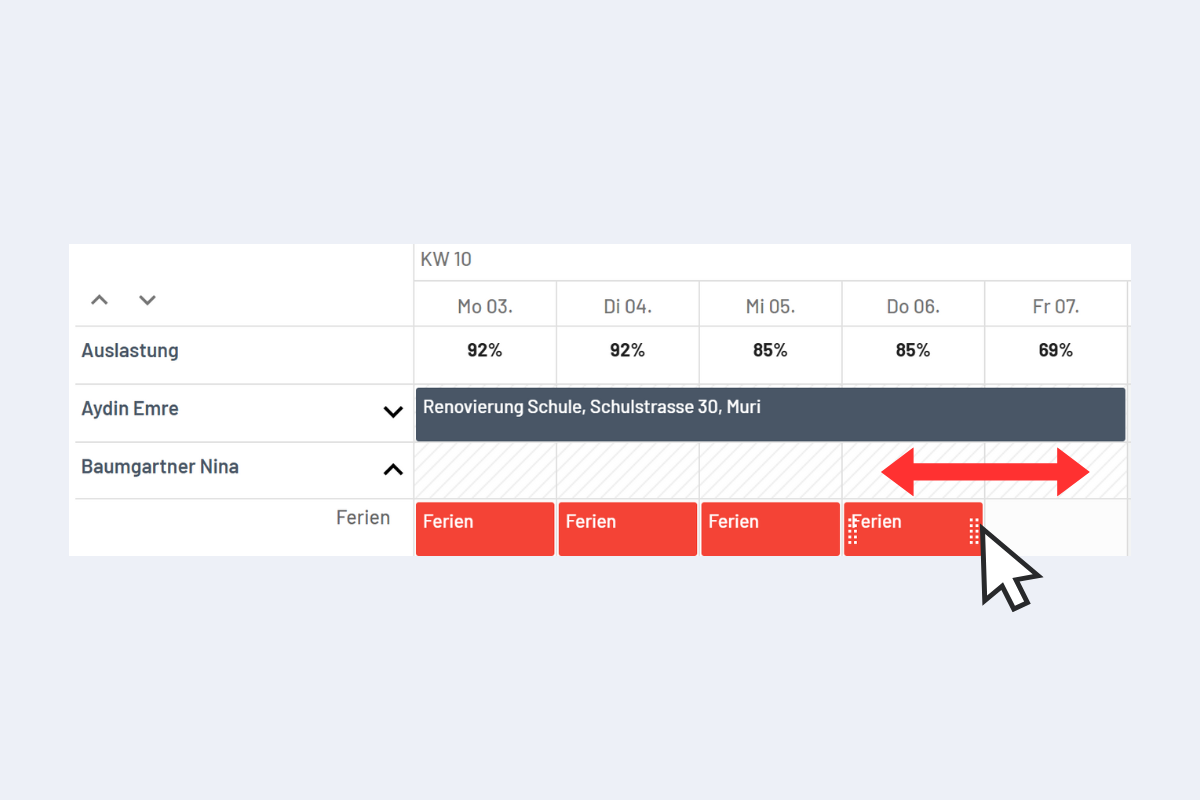
Change booking duration via drag & drop
This applies to all views (Employees, Projects, Service, Absences and Work Equipment).
In the detail view (more in the Detail view chapter), the duration of a booking can be edited as follows (see Fig. Extend booking duration via drag & drop):
Move the cursor to the start or end of the booking. With the mouse button held down, drag left or right into the adjacent day or period to extend or shorten the booking.
Extend booking duration via drag & drop