Details of an existing booking
Clicking on an existing booking opens a dialog with the details of that booking (see Fig. Existing booking details).
Existing booking details
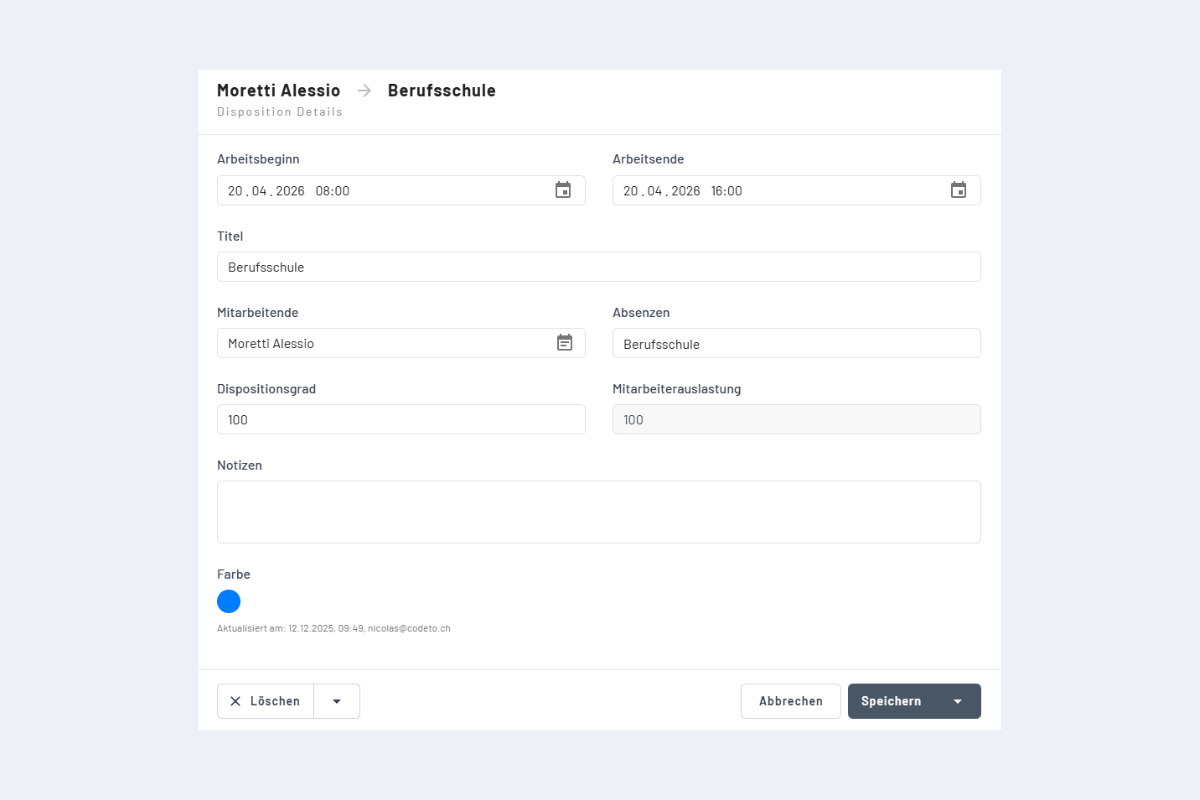
In this dialog, all fields of the booking can be modified. Start and end can be changed and define the booking period. The smallest time unit is one minute.
If the employee is changed, the booking is reassigned to the new employee, provided they are available in the selected period.
If the project is changed (this can also be a service or absence), the booking is reassigned to the new entry. Switching between project, service or absence is not possible. In that case, delete the booking and create a new one.
By adjusting the scheduling level (Dispositionsgrad), an employee can be assigned to several bookings at the same time, for example when handling multiple orders and deciding themselves when to be where. The total scheduling level for a given period may not exceed 100 %. If the value is below 100 %, the corresponding percentage is shown in the bar at the bottom of the booking (more in chapter Create new booking in the employee view).
Additionally, notes for the booking can be edited.
Below the color selection you can see who last edited the booking and when.