General additions
General additions are not tied to a single project but to you as an employee. Examples: lunch allowance, monthly allowances, daily allowance. They are recorded separately per day, not in the report flow, either automatically or manually.
Only the types preconfigured by the admin are available for selection. Configuration details: General additions (employee-related).
Automatic or manual?
For each general addition, the admin defines how it is added:
- Automatic: codeto report adds the addition itself as soon as the stored conditions are met (e.g. from a certain daily working time). Normally the entry cannot be edited by employees afterwards.
- Manual: the addition has to be added manually per day. Whether you can do this yourself depends on the permission level set by the admin, see Admin configuration: General additions.
Add in the web app
General additions are recorded in the weekly view of the web app per day. The prerequisite is a permission level that allows independent recording.
-
In the weekly view, open the desired day and select the matching type under «General additions».
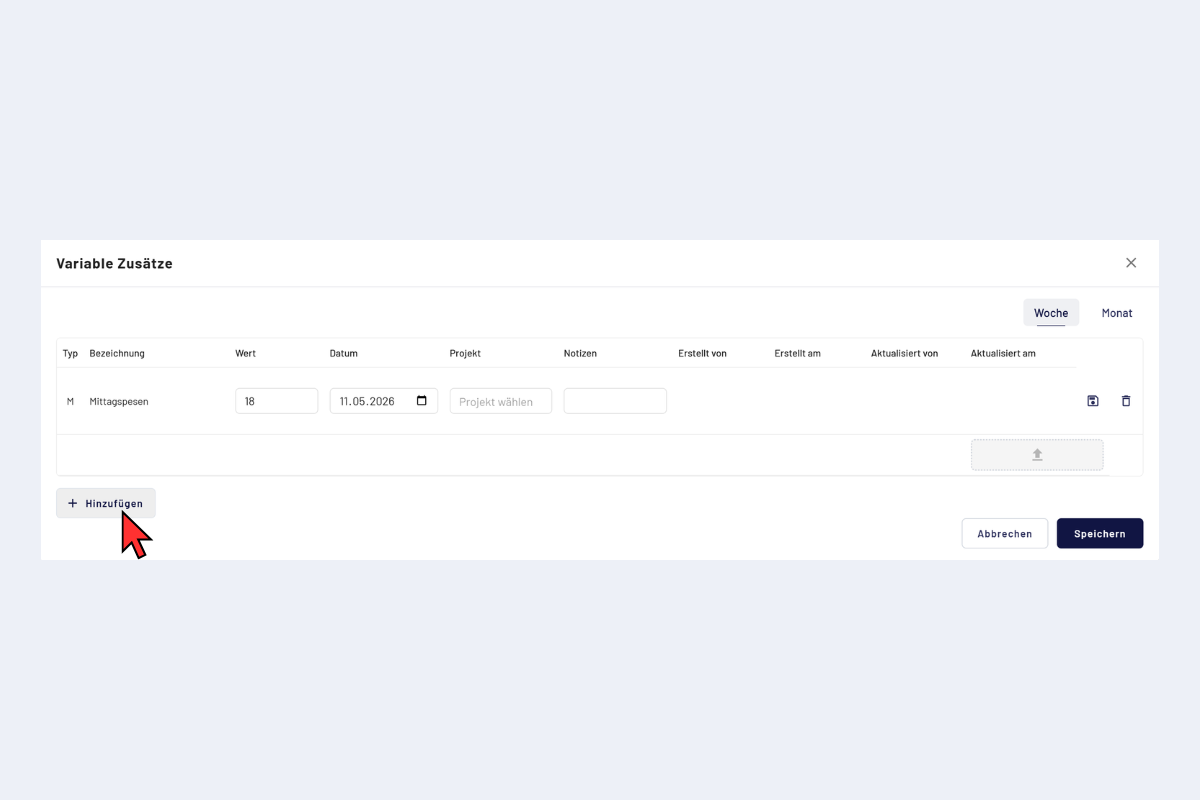
Web app, open general additions
-
Enter the value (e.g. CHF 18.– for the lunch allowance) and save.
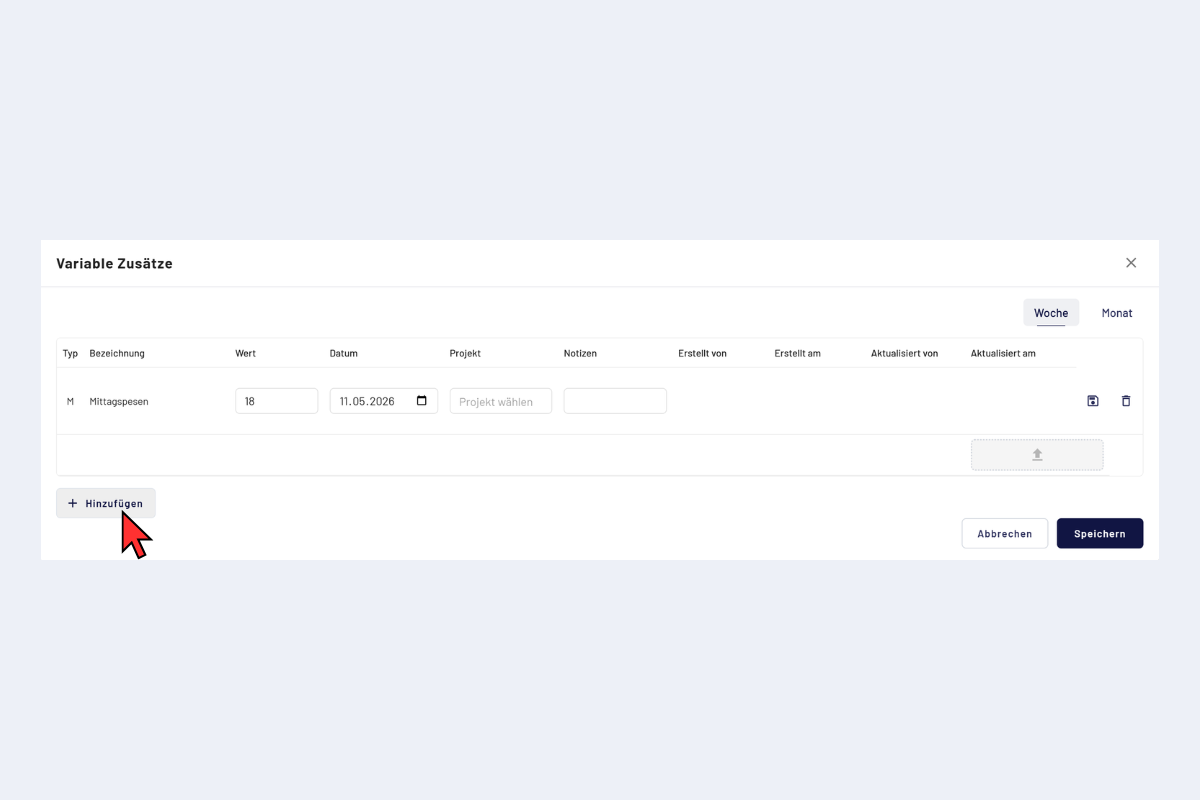
Web app, add a general addition
The flow works analogously in the app, including screenshots: Add general additions (mobile app).
Example: lunch allowance per GAV
The GAV recommendation provides a lunch allowance of CHF 18.–. Depending on your company's configuration, the allowance appears automatically or has to be recorded manually per day. For manual recording, follow Add in the web app or Add in the mobile app and enter CHF 18.– as the value.