Overview for project managers
This overview shows the most important areas for project managers.
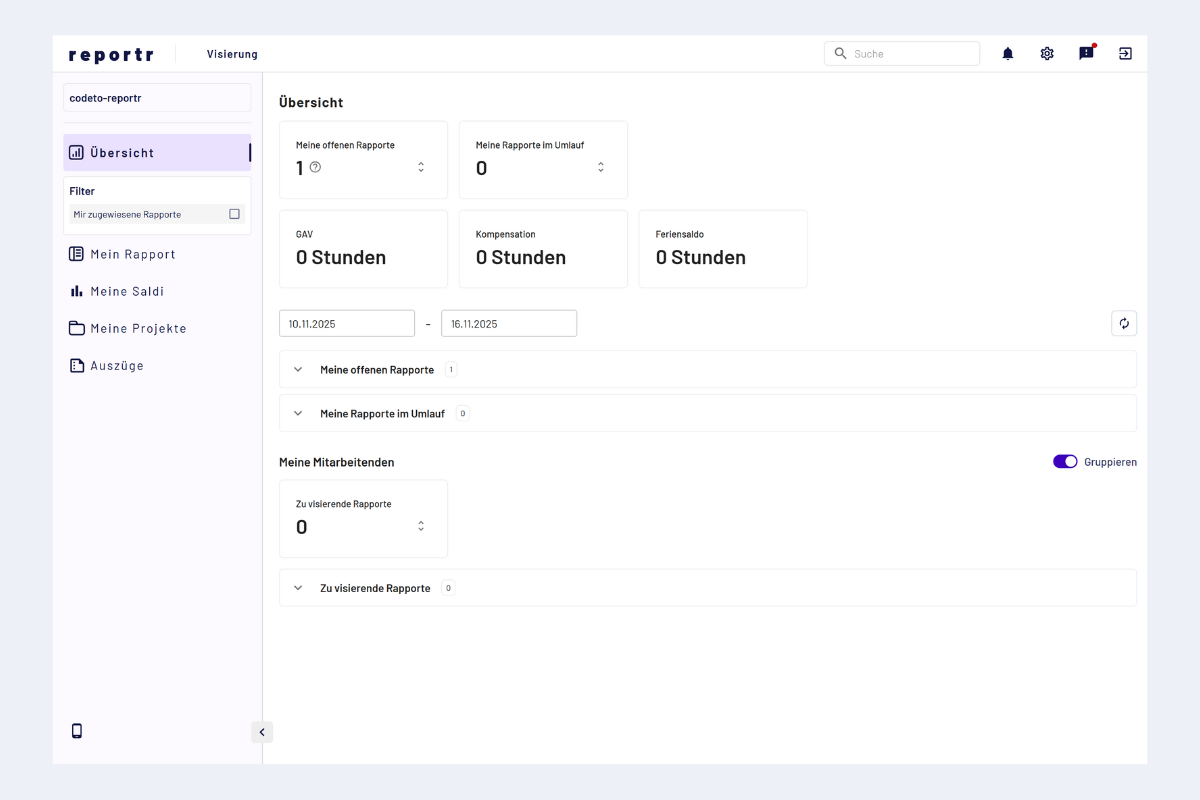
Project manager overview
Sidebar menu items
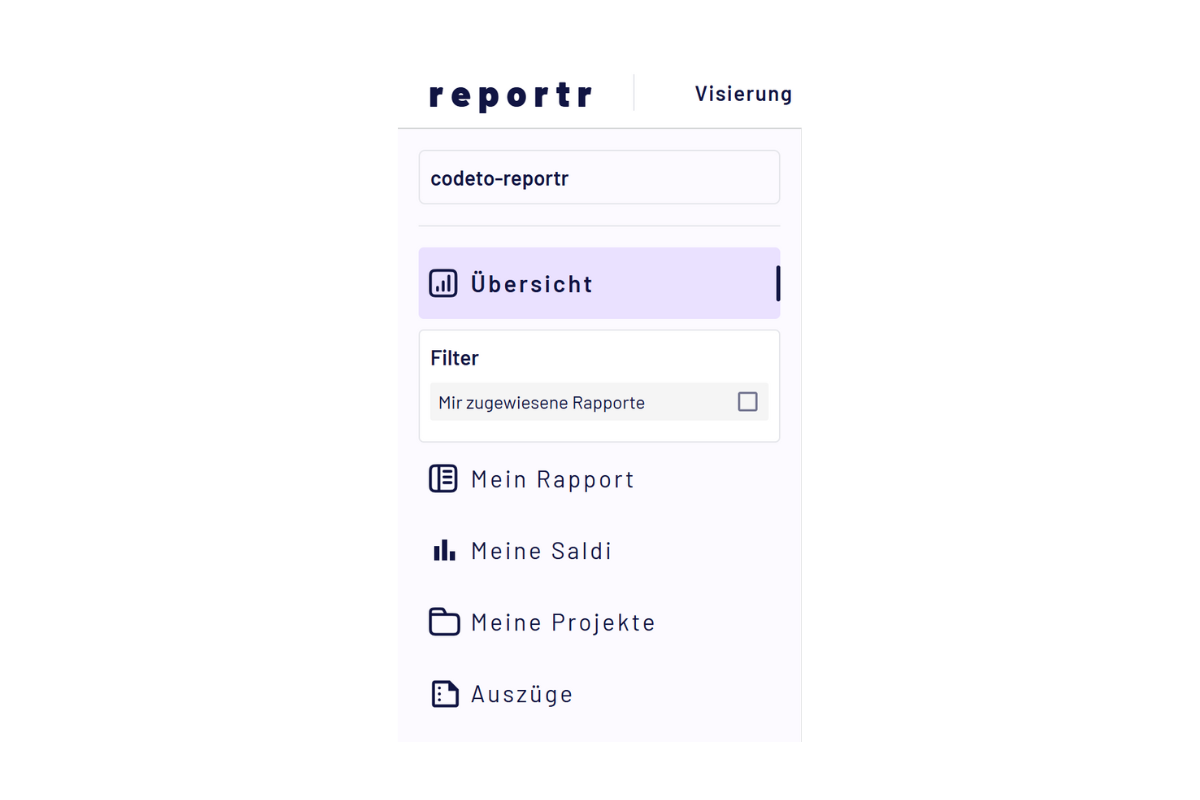
Project manager sidebar
- My report: own reports that still need to be filled out or are in circulation. See also Capturing reports: overview.
- My balances: holiday, overtime and prior-year hours, see My balances.
- My projects: for project managers, overview of project-related reports of employees. See Approve/reject reports.
- Extracts: generate extracts of your own projects. See Extracts: projects.
In the overview area, you see central tiles and quick access.
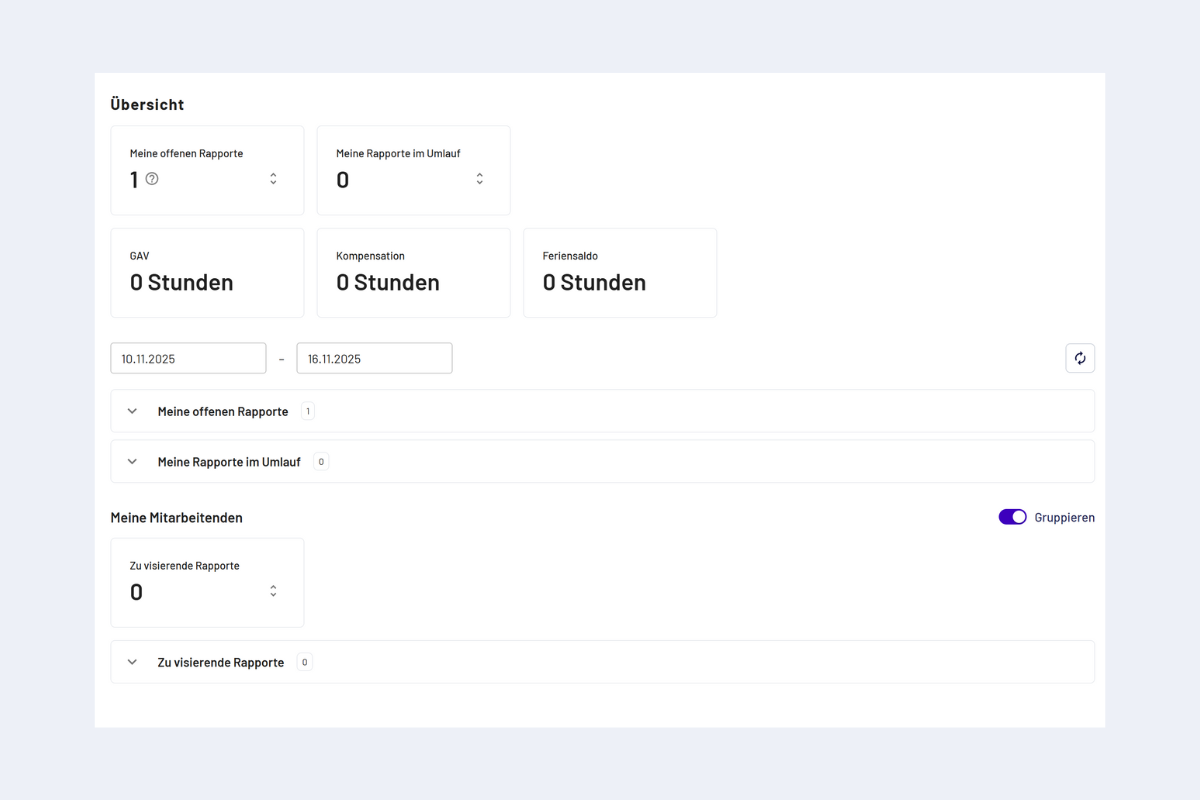
Project manager overview area
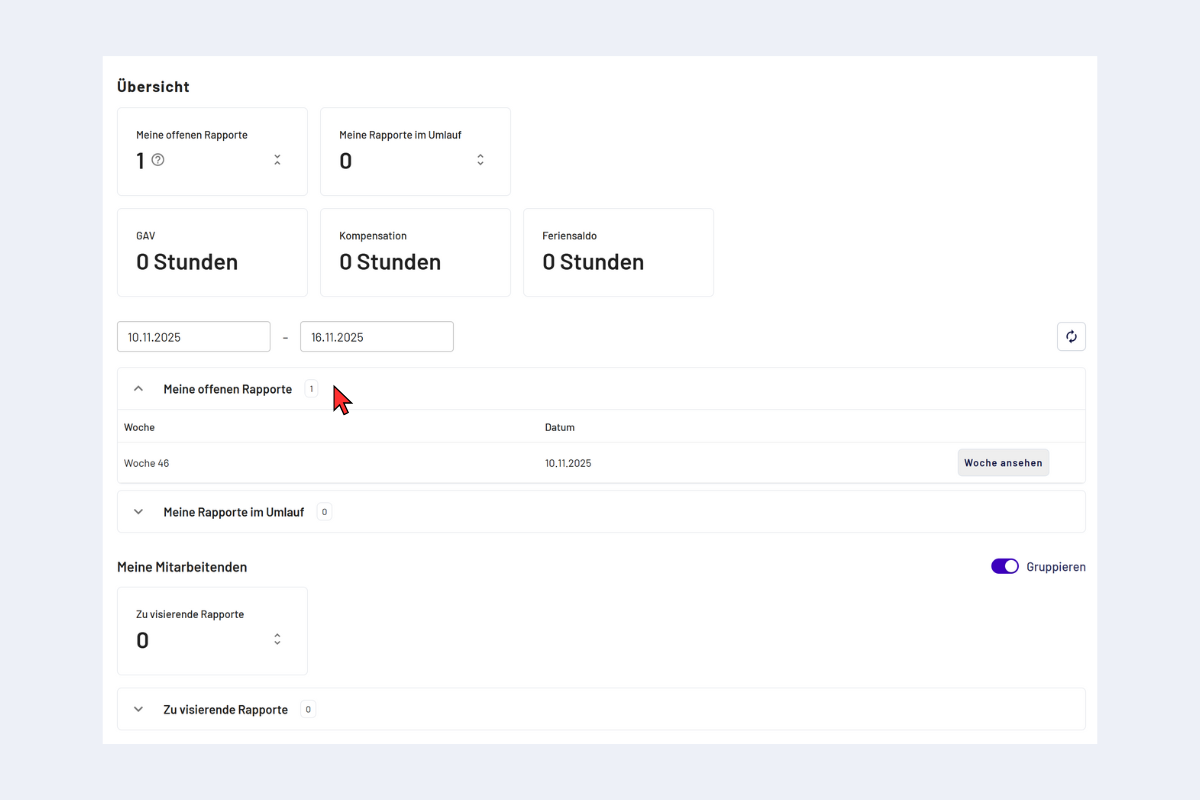
Project manager overview area, expanded
By clicking "View week" you go directly to the corresponding week, the fastest way to continue capturing.
- My open reports: weekly reports that have not yet been completed and are therefore in progress.
- My reports in circulation: weekly reports that have been completed and are currently in the approval process.
- Reports to approve: weekly reports that need to be approved by me.
- Incomplete reports: weekly reports of my employees that are not yet fully approved (one or more approvals are still outstanding).
Quick access
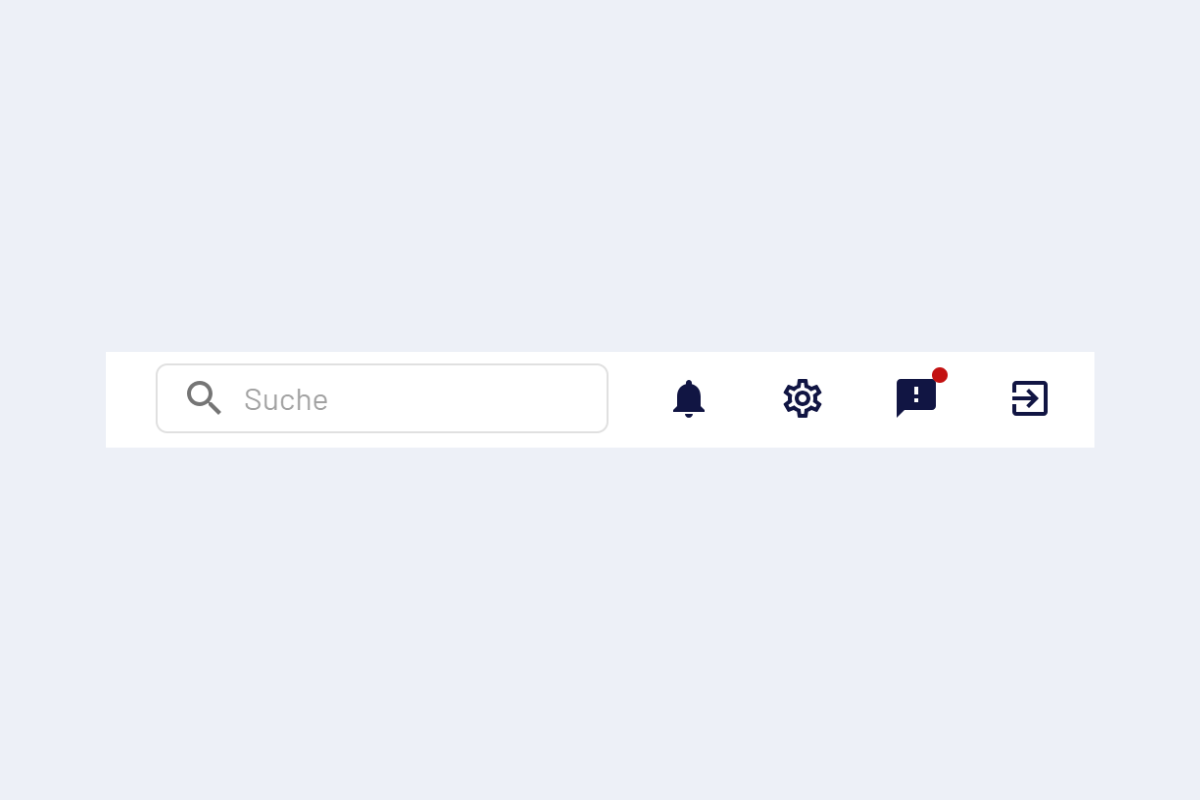
Quick access
- Search: find people and content.
- Notifications: bell. Shows a dot when new messages are available.
- Settings: gear icon.
- News: speech bubble with exclamation mark (red dot for new items). Information about software updates.
- Log out: logout icon at the far right.
Cross-project view of reports and absences
Project managers can now view reports and absences across projects. This makes it easier to control relevant entries across several projects.
Especially in the "Reports to approve" area, this view helps to assess a whole week better in context. It also shows whether, in addition to project-related reports, there are further entries or absences.
Depending on the configuration, the weekly view can additionally be switched between a detailed display and a more compact, aggregated view. The detail view is suitable for checking individual blocks and times, while the aggregated view enables a faster overview of reported hours within the week.