Close the week
Normally, reports are entered at the end of the week and the week is closed. Afterwards, all reports go into the approval process and can be approved.
After closing, the whole week including the name is greyed out, and a lock icon appears next to the name. In contrast, plain forwarding shows the lock only on the individual report.
A click on a report opens the pop-up; in the "Assigned" field, you can see who currently holds the report.
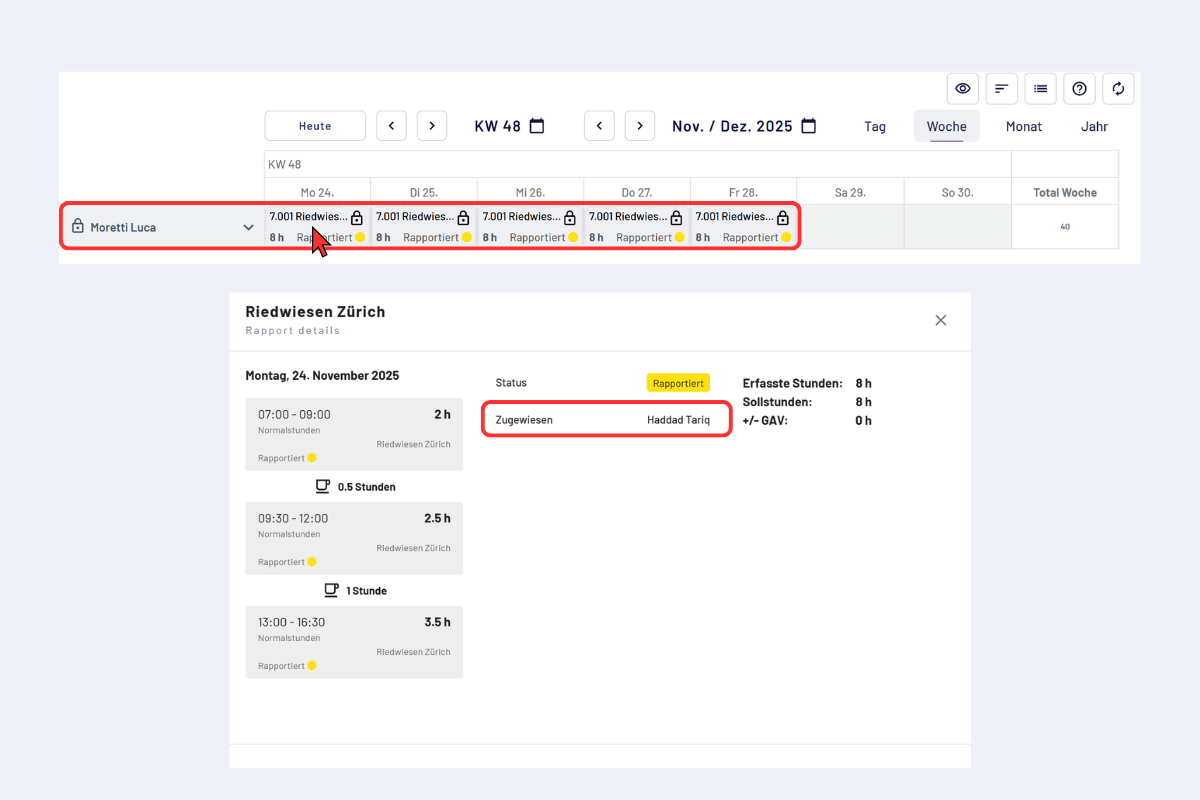
Close the week, assigned to
Check target time
If the target time is missing on individual days, codeto report points this out at the week closure. Add missing entries beforehand and run the week closure again afterwards.