Rule checks
codeto report automatically checks reports against rules so that errors are detected early and week closures run correctly. This page describes which rules apply and how they affect time recording.
Warnings and errors
- Warning: report or week can be forwarded or closed but should be checked.
- Error: report or week cannot be closed until the issue is resolved.
A warning has to be explicitly confirmed when closing the week. The week can be closed after that. The rule violation stays flagged and is visible to supervisors during the check.
Recording times
-
From-to: Enter start and end time per work block. Map breaks as separate blocks, do not include them in the block.
-
Example: 08:00 to 12:00 and 13:00 to 17:00 (break 12:00 to 13:00).
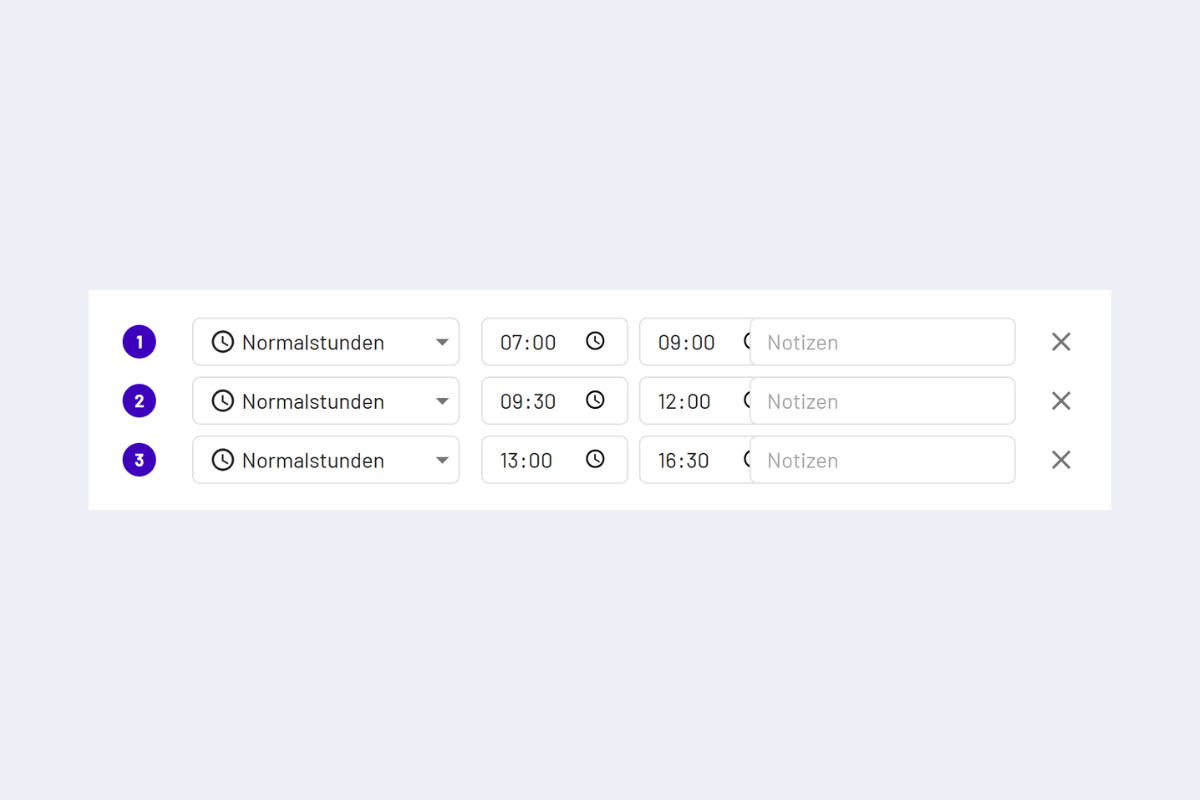
Rule check, from to
-
-
Duration: Enter the effective working duration, breaks are already deducted. codeto report calculates start and end itself.
-
Hours per day: With "+" time is added at the end of the last block, with "-" it is subtracted.
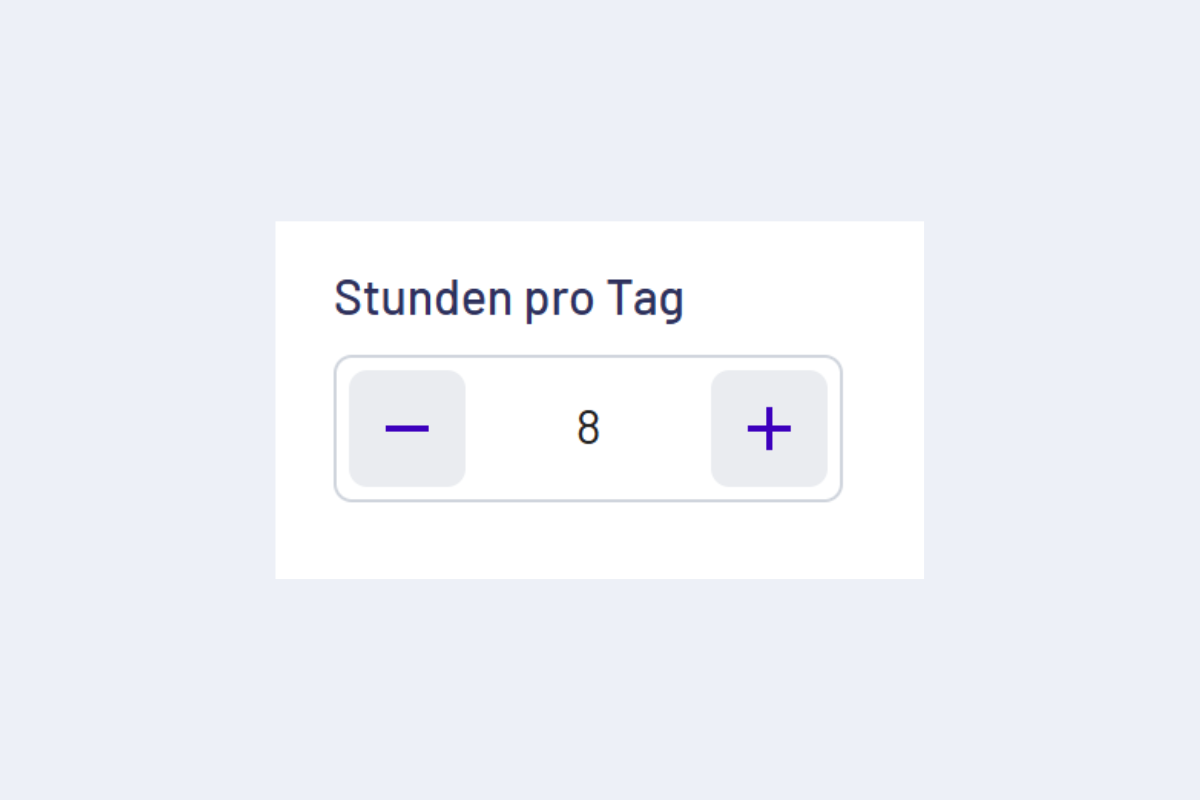
Hours per day, plus/minus
Daily rules
- Maximum work duration per day (error): no more than 24 h per day.
- Maximum absence duration per day (error): absences must not exceed the daily target time. Paid public holidays reduce the target time according to the stored percentage.
Minimum breaks
Warning if the break falls below these thresholds. The thresholds follow the Employment Act and are hard-coded; the 60-minute lunch break required by GAV Art. 28.1 is not checked by codeto report.
| Work duration | Minimum break |
|---|---|
| from 5:30 h | 15 minutes |
| from 7:00 h | 30 minutes |
| from 9:00 h | 60 minutes |
Weekly rules
- Maximum working time (warning): appears when closing the week if the weekly working time exceeds the legal maximum of 50 hours.
- Target hours deviation (GAV, warning): appears when closing the week if the expected working time has not been reached.
- Automatic filling on week closure: per branch office an absence type can be configured so that missing target time is entered automatically into free working time blocks on closure. The message names the absence type, date and duration. A minimum daily request threshold determines from when an absence request is required instead.
The message is triggered when the expected working time is not reached. If the automatic absence compensation is enabled and overtime is allowed, the autofill rule takes over the compensation and this message does not appear. Without an autofill configuration, or when overtime is not allowed, the deviation is still reported.
Notes on absences
- Documentation note (info): For certain absences, proof is required from a number of consecutive days, codeto report points this out.
- Max. absence per day: must not exceed the daily target time (e.g. no 9 h absence with 8 h target).
Special rules
- Compensation (error): absences with the balance type "Prior-year hours" must not exceed the prior-year hours. Per absence type the check can be switched off with "Allow negative balance", see Absence management.
Profit-sharing and management employees
Profit-sharing and management employees generally do not work overtime in the sense of the GAV. Their additional work is covered by their salary or their profit share.
codeto report has no dedicated category for these employees. What matters instead is whether overtime is enabled in the valid contract. This setting is taken from the HR system for each contract period.
Overtime disabled (typical for profit-sharing and management employees):
- Automatic additions from rules are not created, even if they are configured for the company.
- At week closure, an underrun of the target hours is still reported, even if an automatic compensation is configured.
Overtime enabled (standard case):
- Automatic additions from rules are created as configured.
- At week closure, the usual overtime and GAV rules apply. If an automatic compensation is configured, it takes over the underrun and the message does not appear.
Symbols in the interface
- Red exclamation mark: rule violation present.
- Lock symbol: write protection (e.g. forwarded or week closed).